
Step-by-Step Instructions to Find Additional Panels, Buttons and Commands on Your SURE Universal Remote
Each remote you add to the SURE Universal remote app should have all the same functions and buttons as the original remote, and sometimes even more.
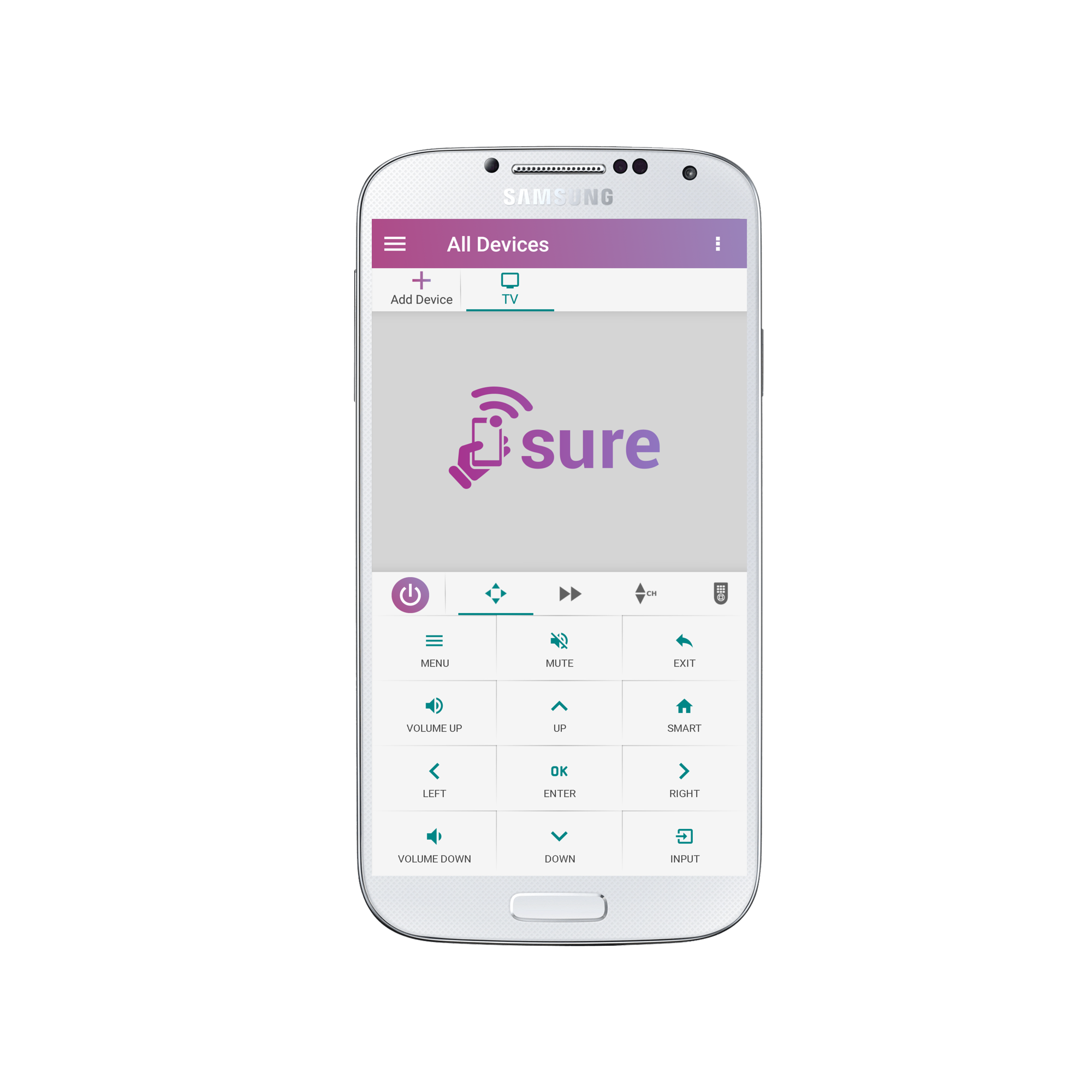
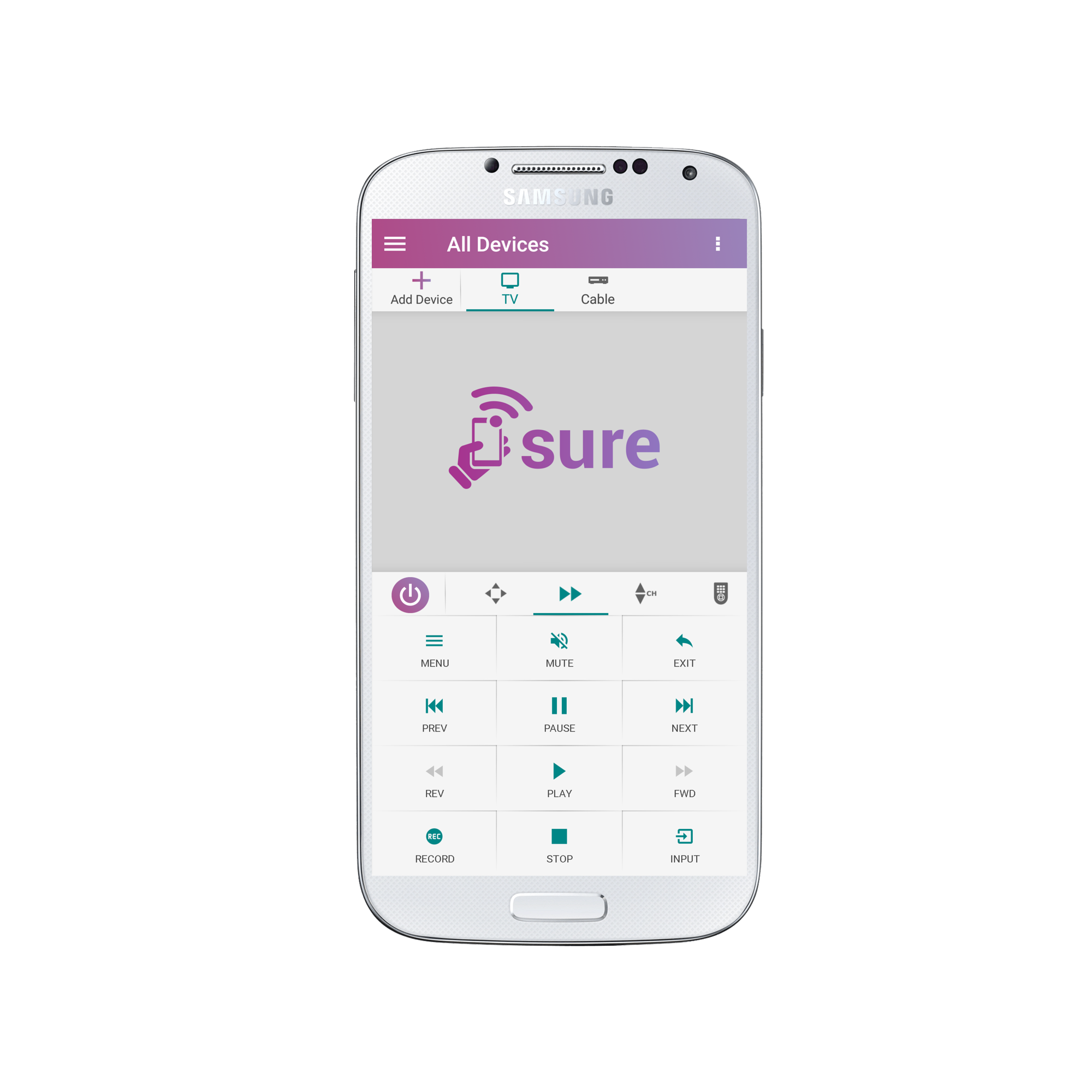
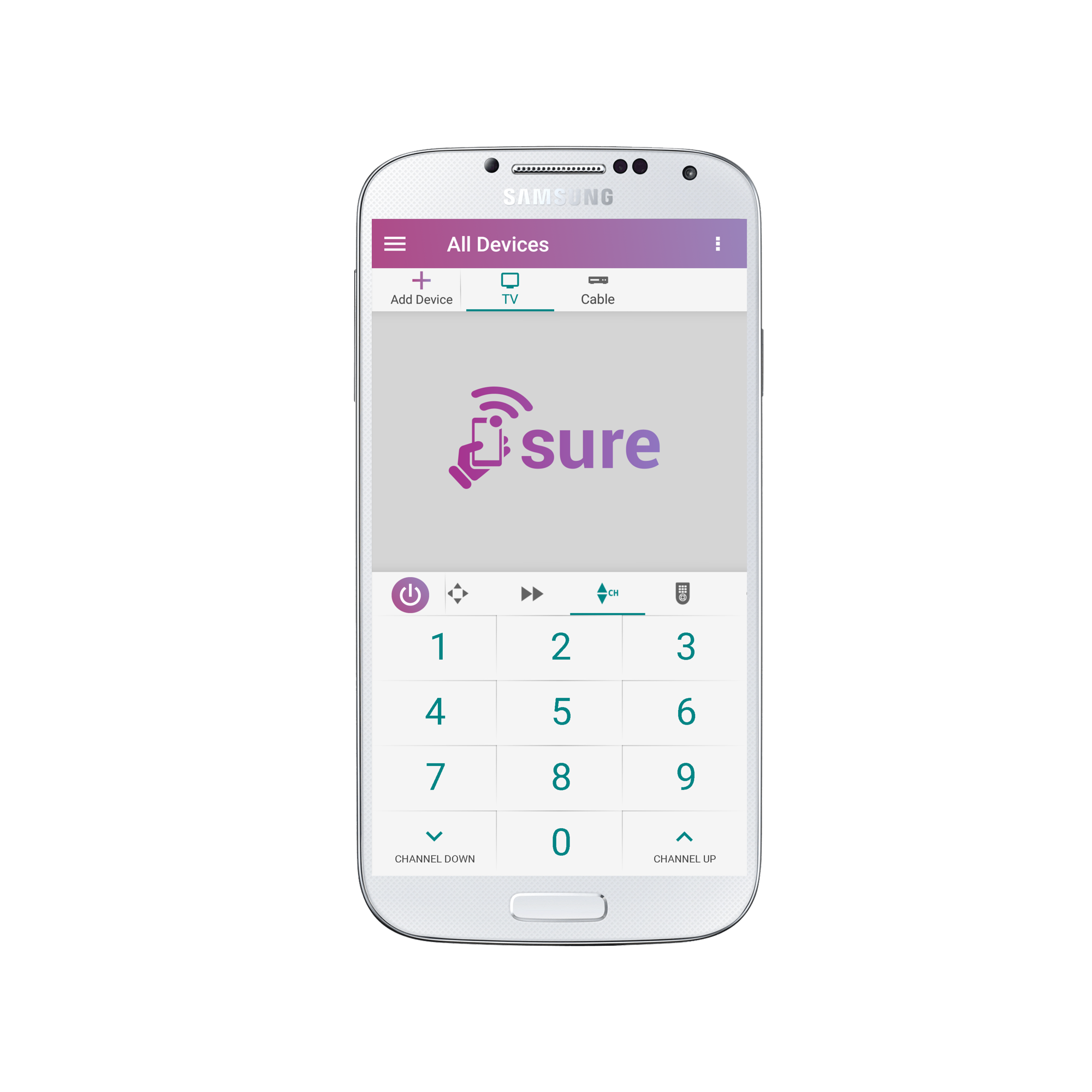
In order to find these additional functions and buttons you should search for them in the additional panels.
Look next to the power button on your remote screen. The panel slides to the right. Slide it to find additional panels.
See screenshots below.
Once you locate the buttons you need you may find it easier to create a custom panel so you don’t have to navigate as much between panels. Learn how here.
Thank you for using SURE Universal Remote!?
Social
关注我们