
Step-by-Step Instructions to Rename a Device
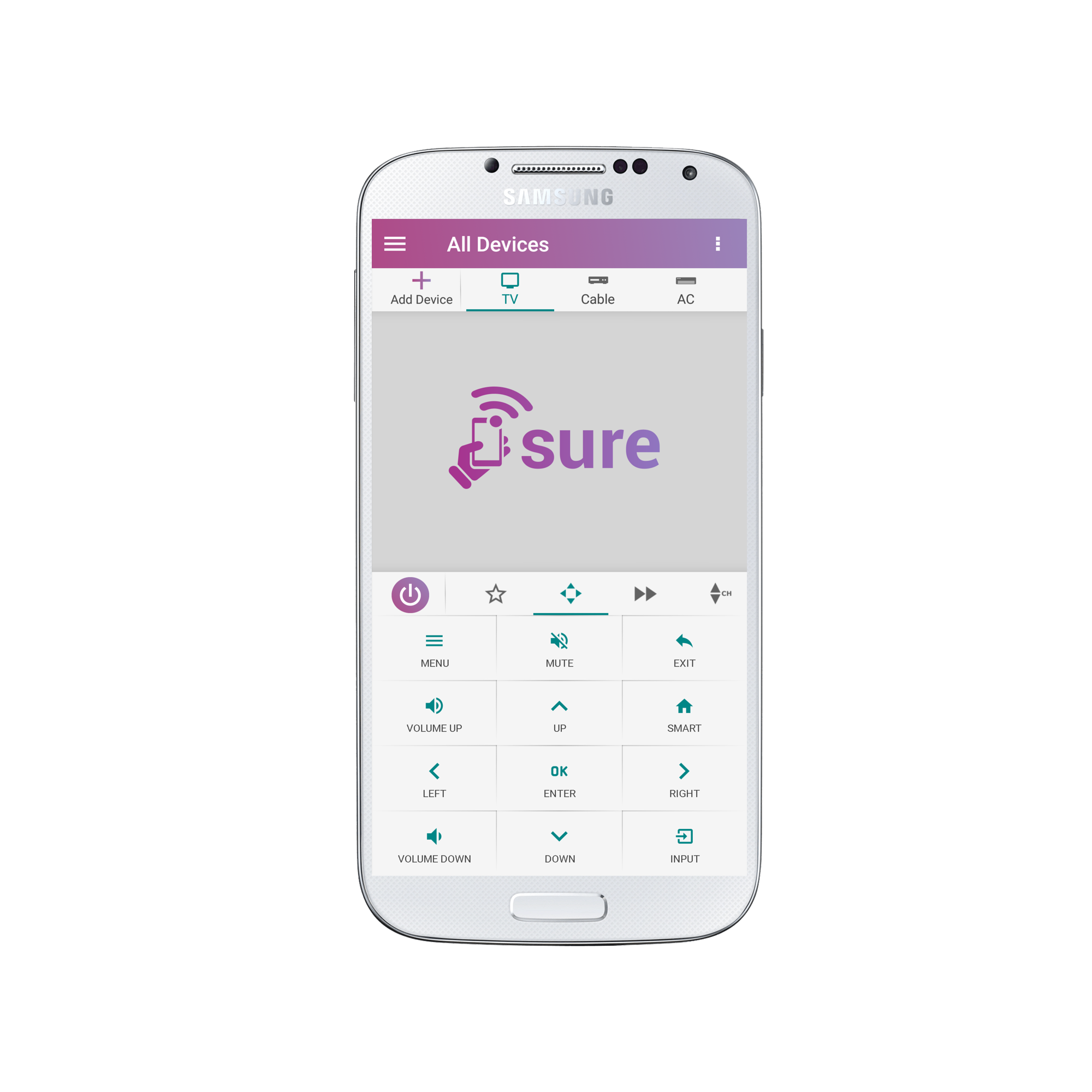
1.Open the remote for the device which you wish to rename and tap the 3 vertical dots in the top right corner of the screen.
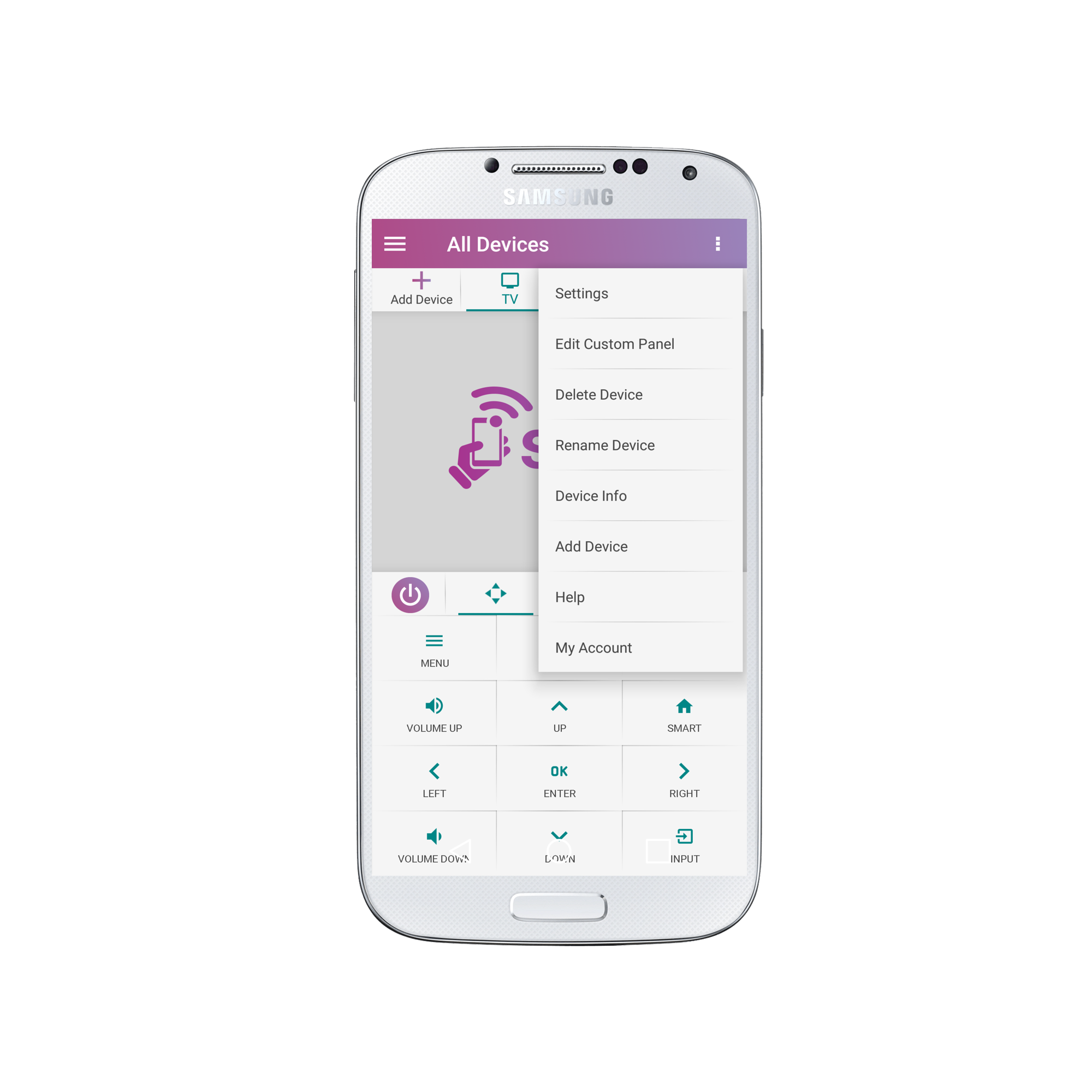
2. Select “Rename Device”
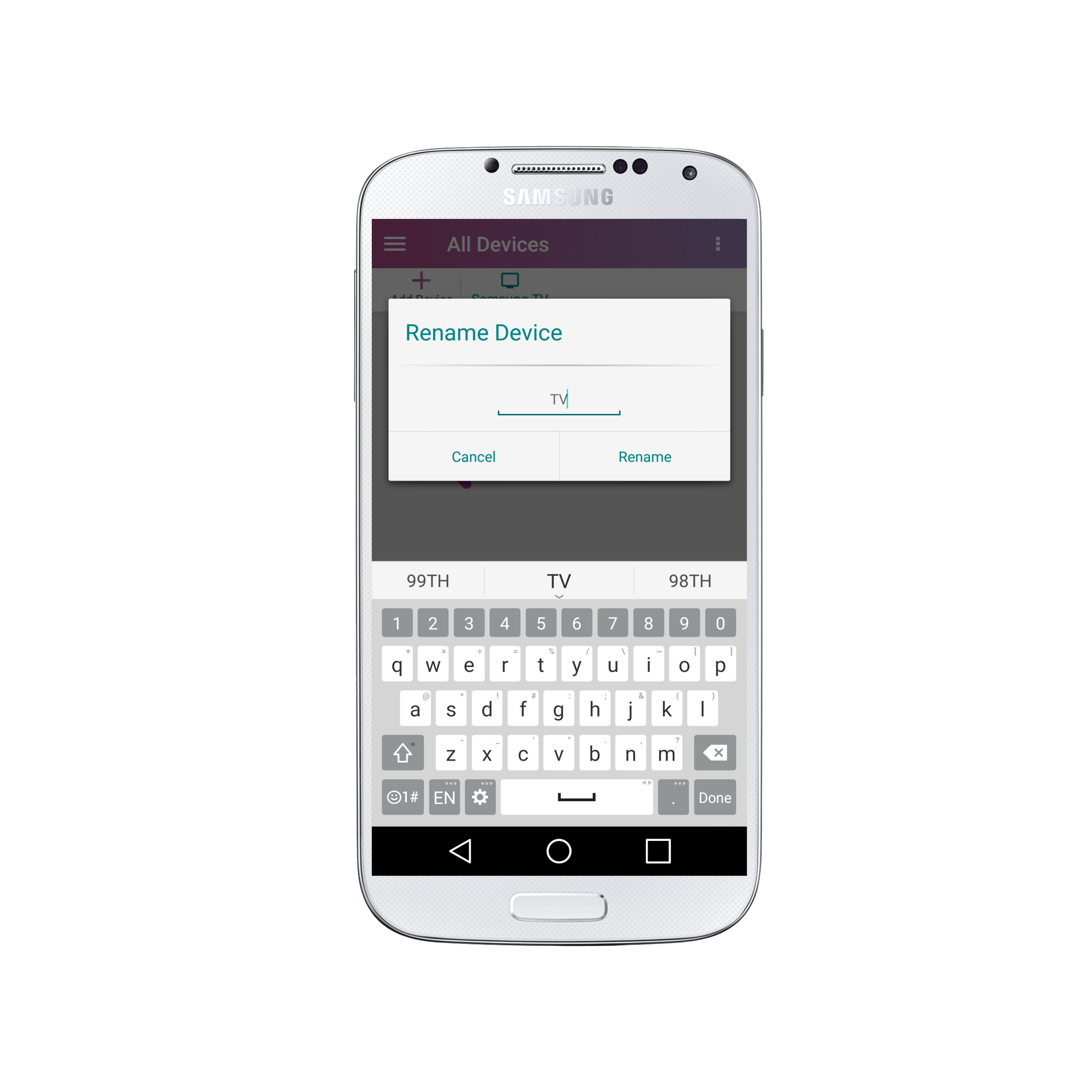
3. Enter your new desired name and select “Rename” once you are ready.
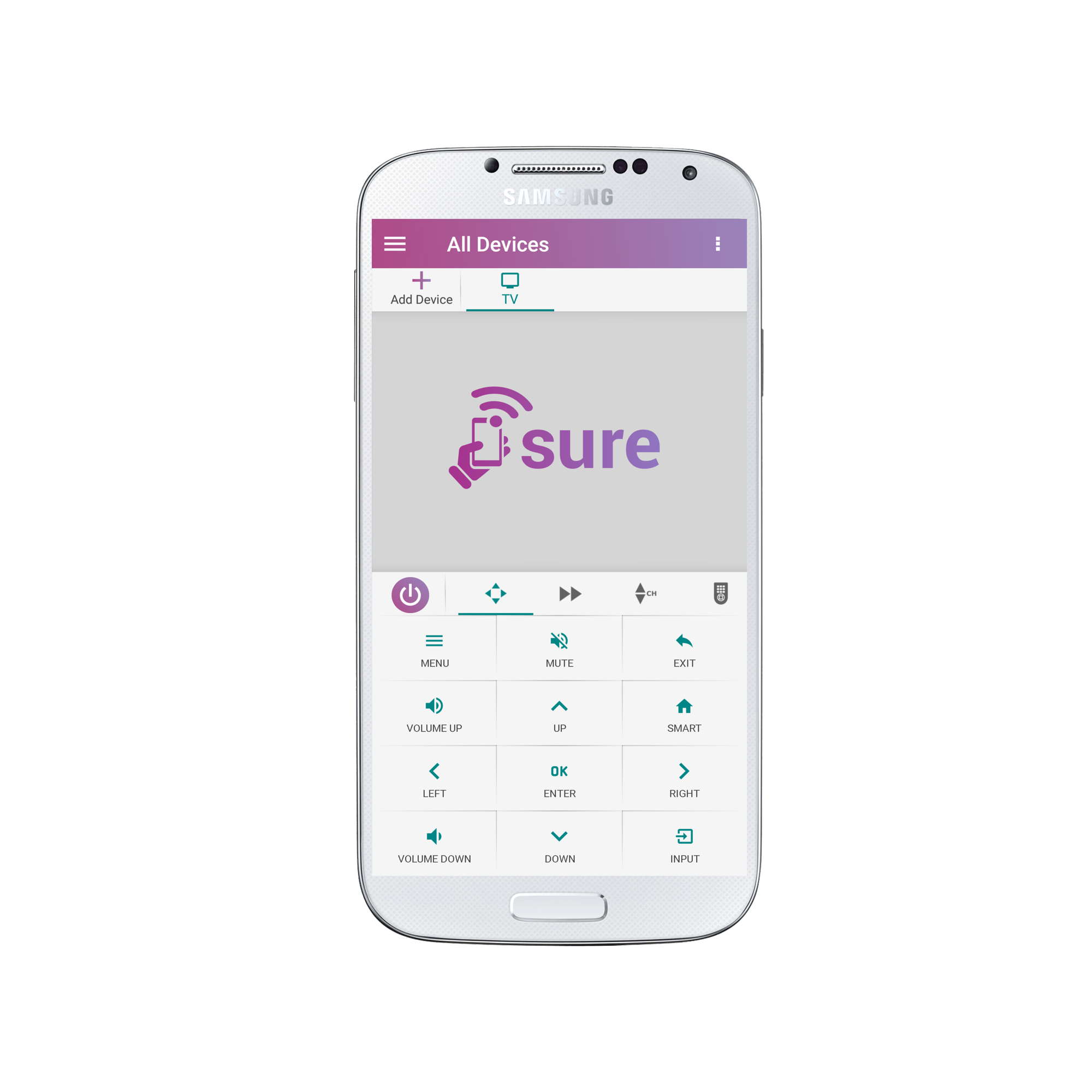
Congratulations! Your device now has a new name.?
Social
关注我们