
Step-by-Step Instructions to Delete a Device
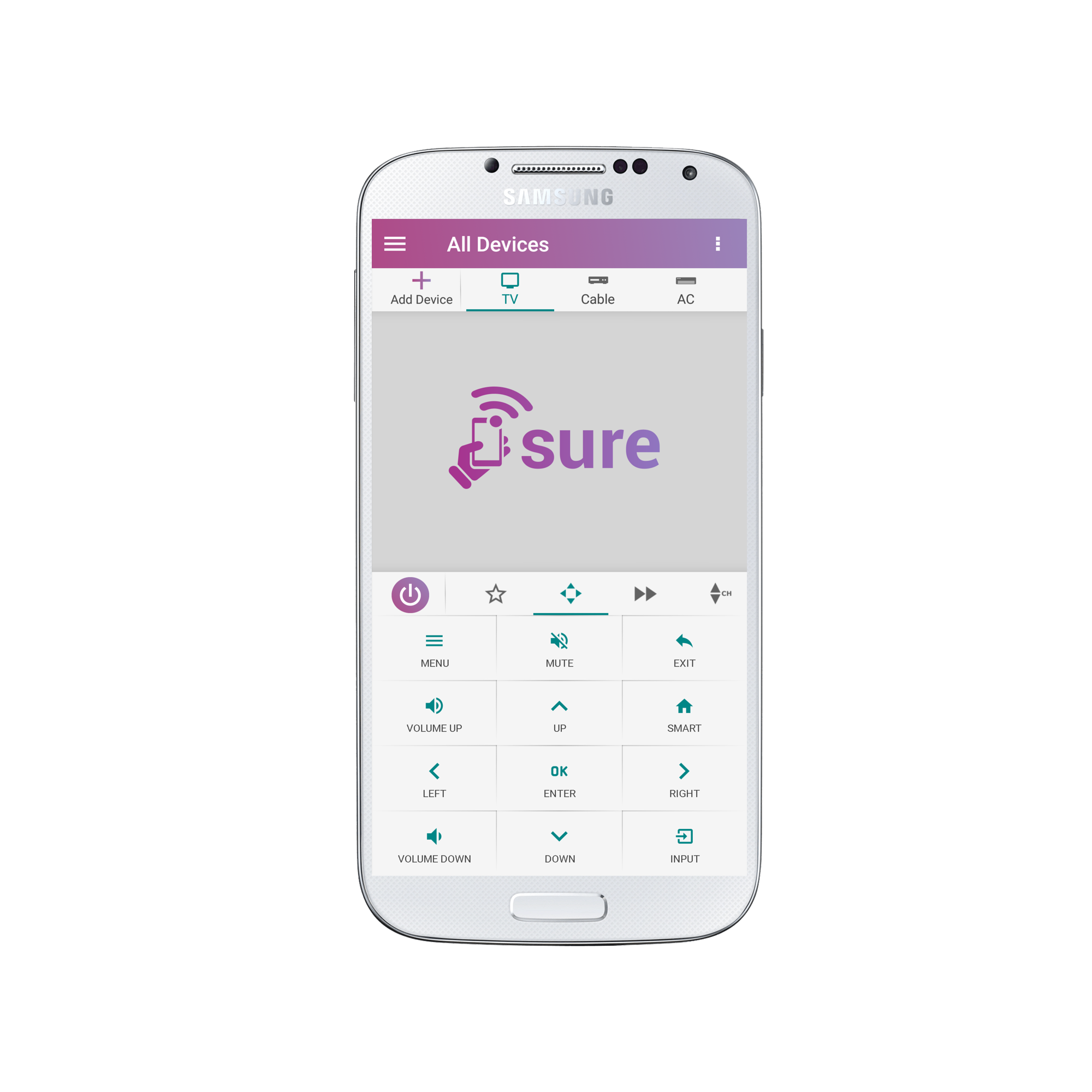
1.Open the remote for the device which you wish to delete and tap the 3 vertical dots in the top right corner of the screen.
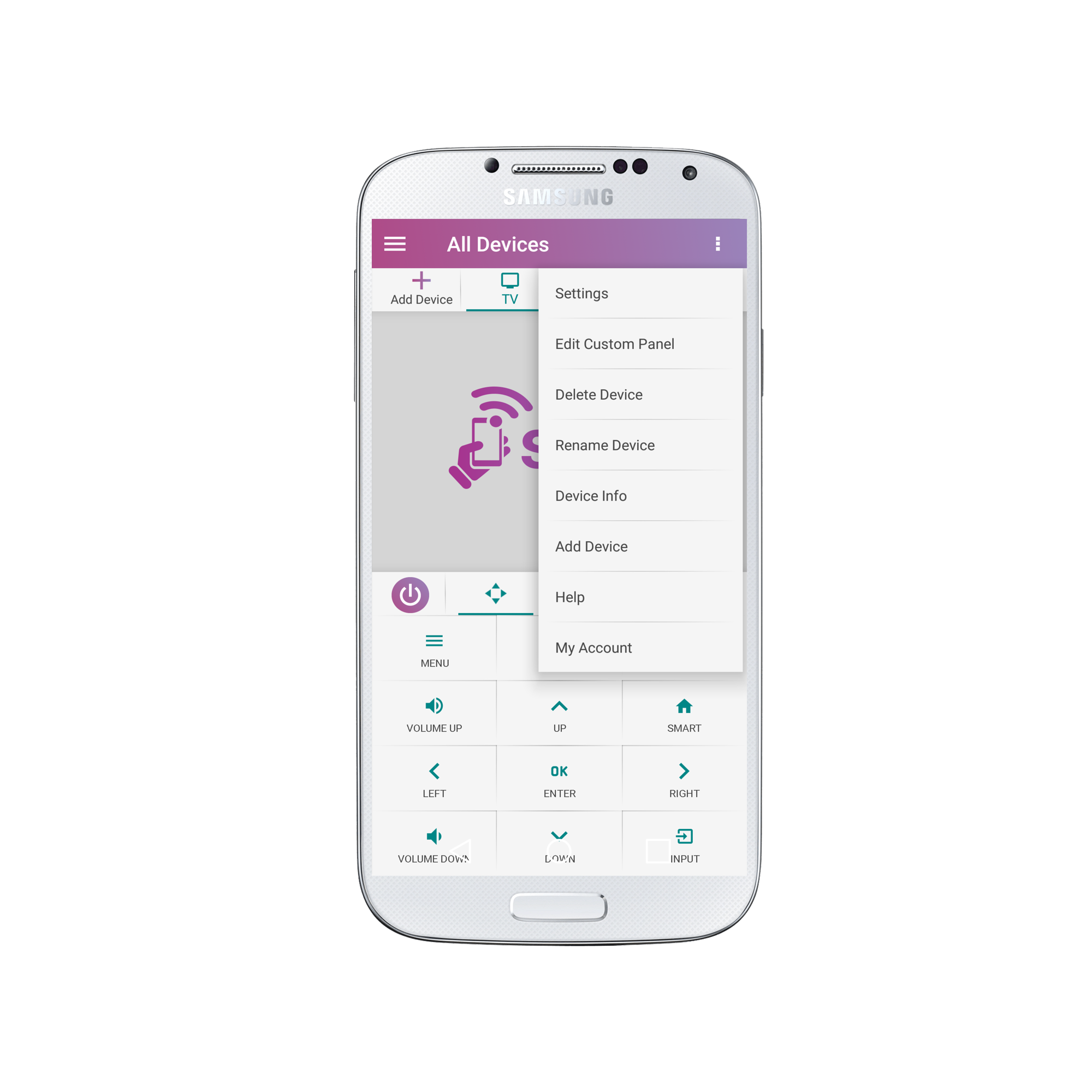
2. Select “Delete Device”
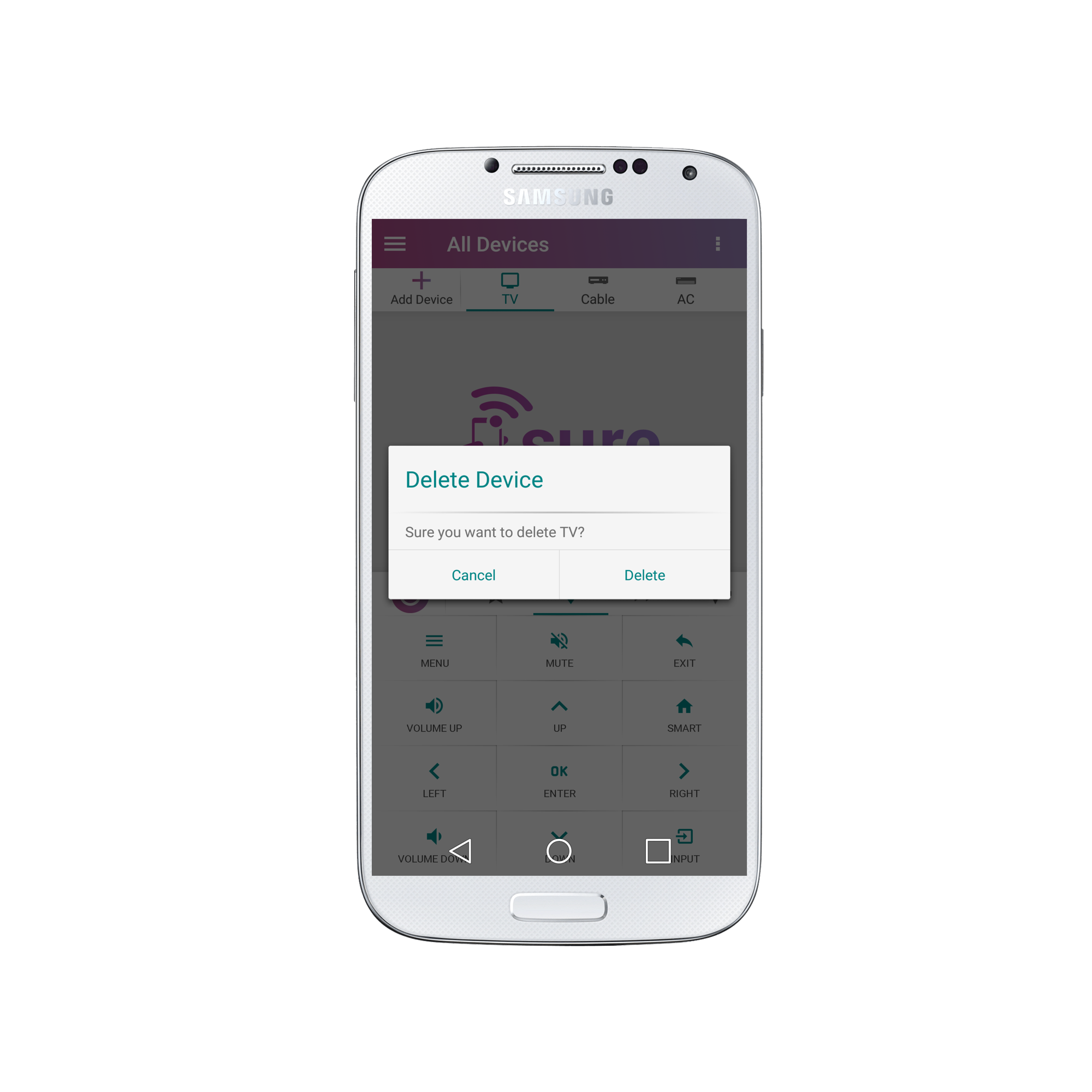
3. Select “Delete”
That’s it! The device has been deleted.
Social
关注我们