
Step-by-Step Instructions to Add Philips Hue Lighting to Your SURE Universal Remote
Before you start please make certain that your Philips Hue lights are turned on and that the SURE Universal remote is using the same WiFi network as the Philips Hue lights.
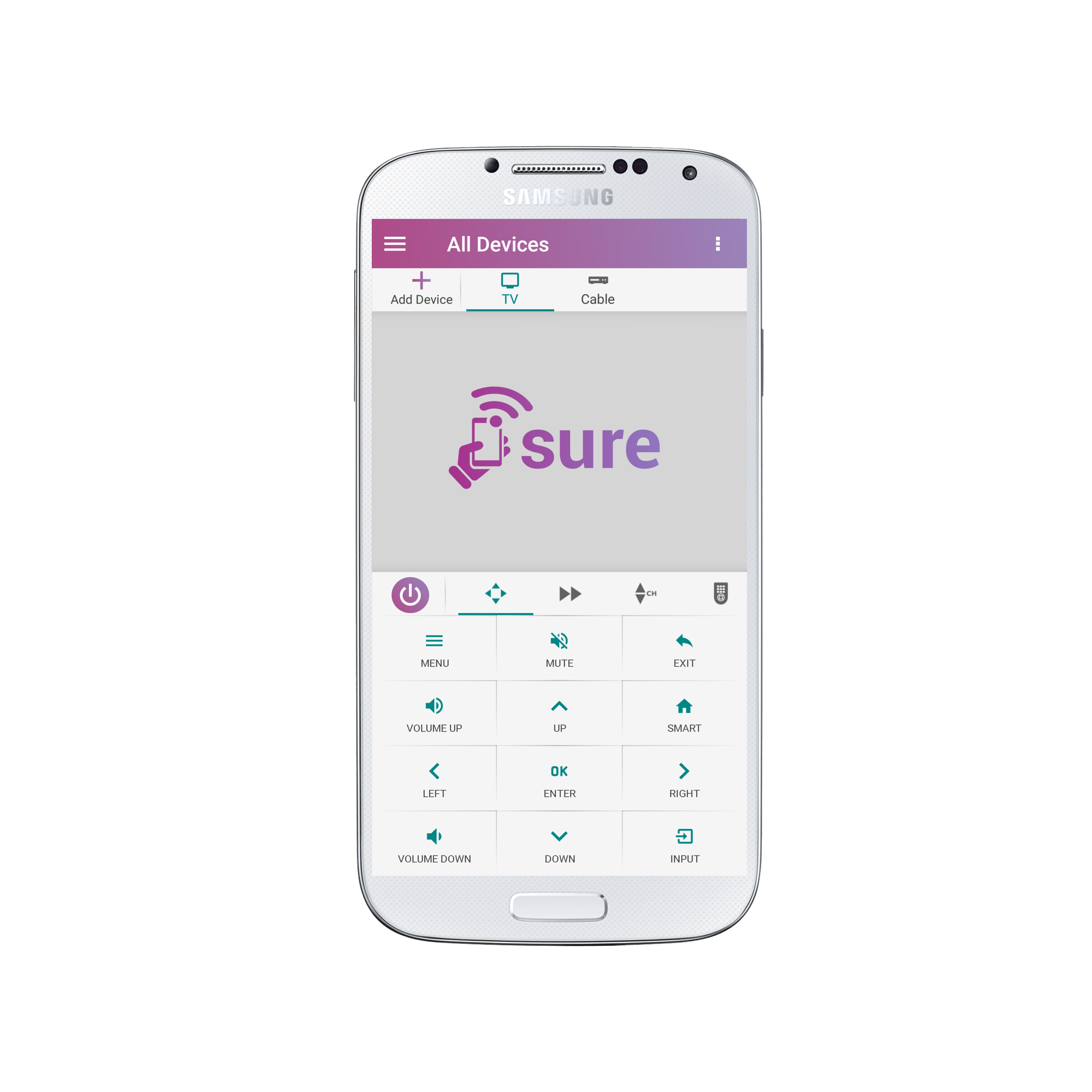
1. From the “All Devices” screen tap the “+” symbol in the upper left of the screen
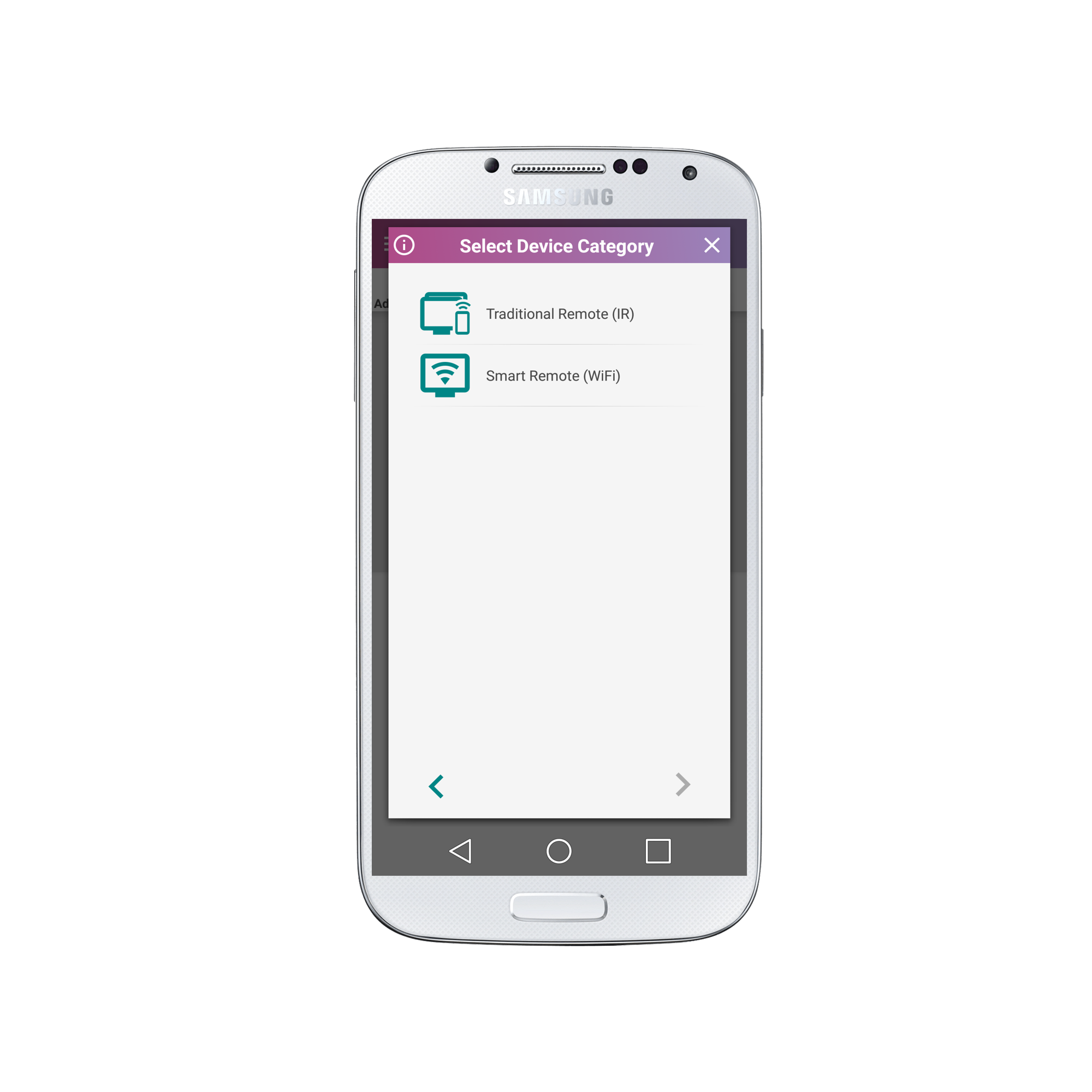
2. Select Smart Remote (WiFi)
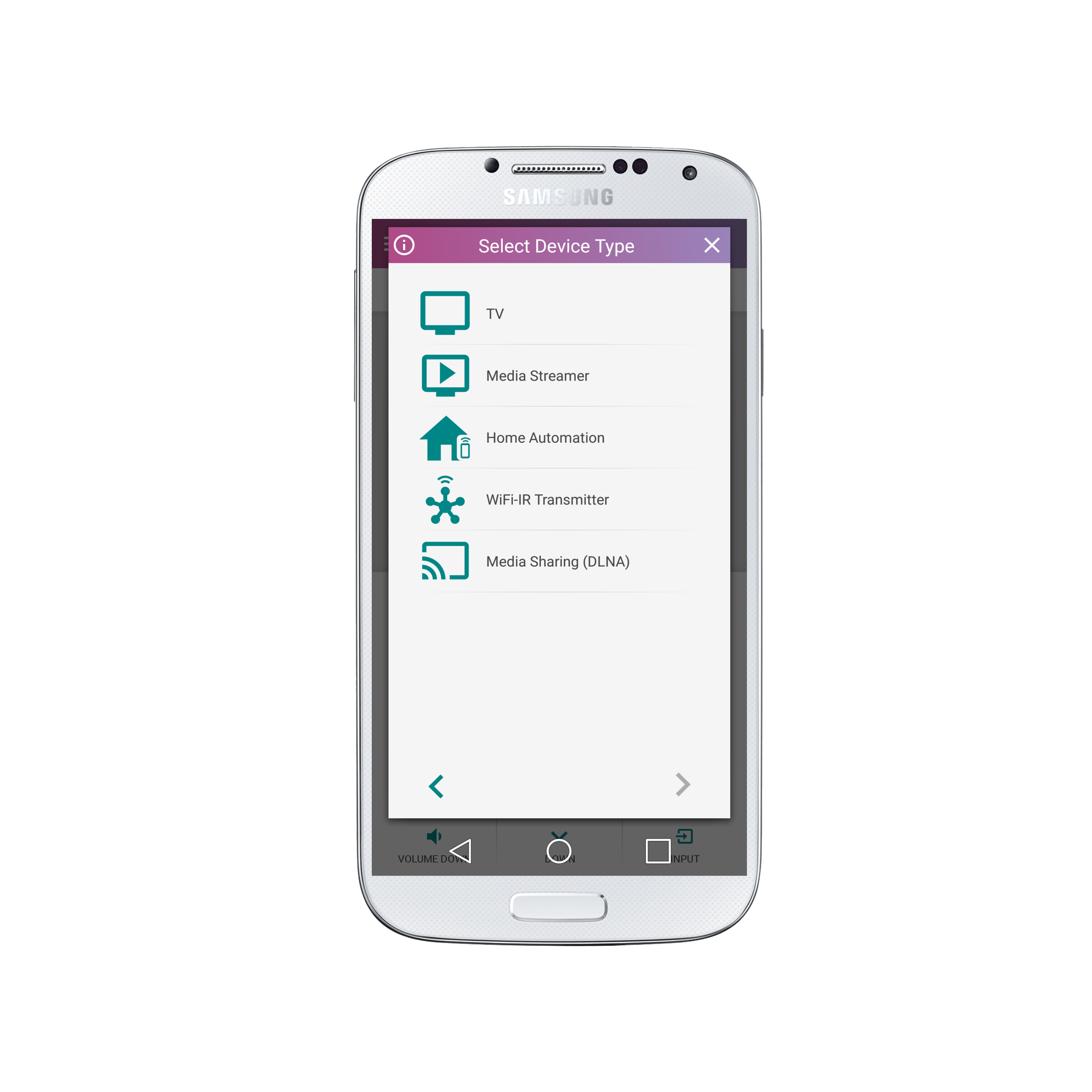
3. Select “Home Automation”
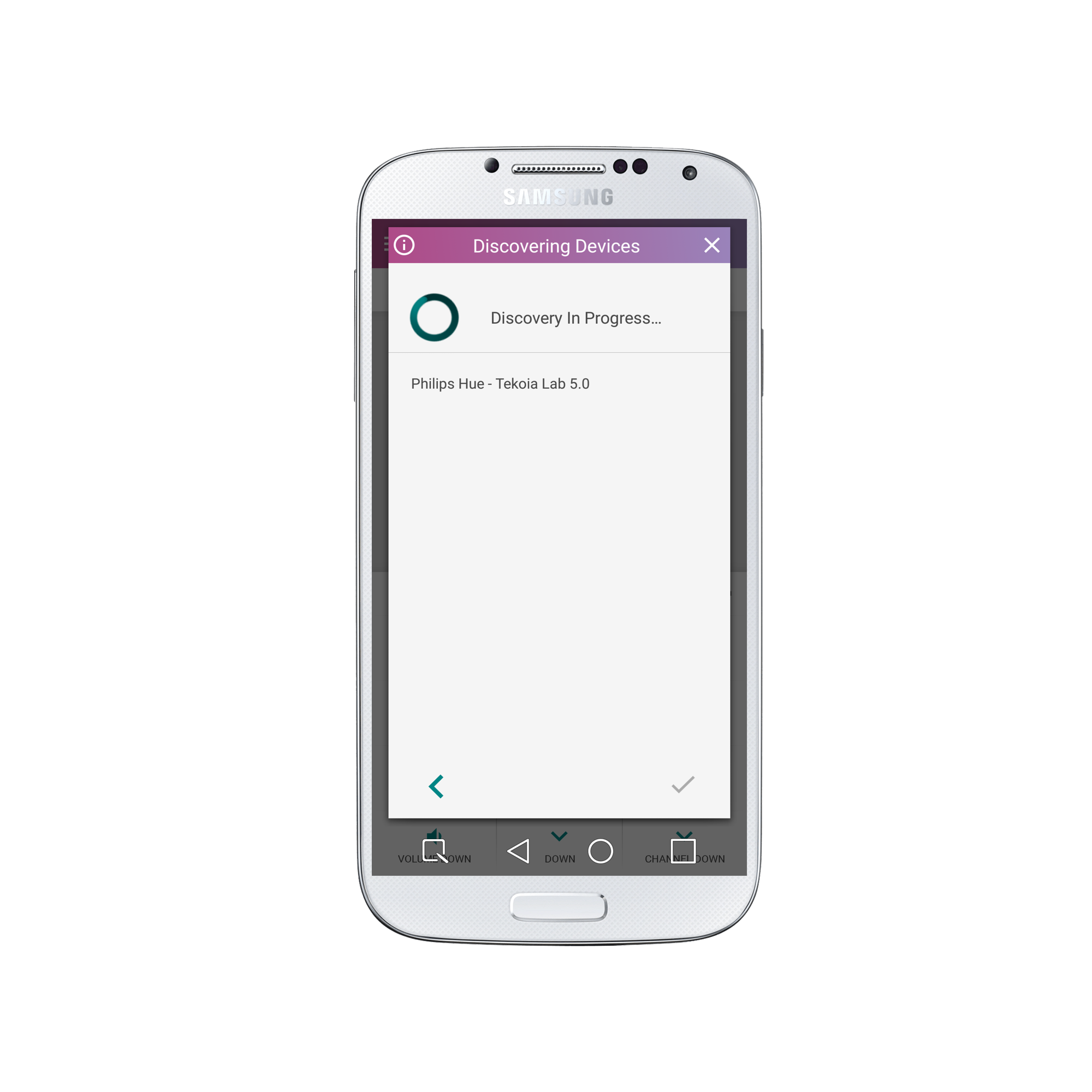
4. Select “Philips HUE”

5. Once discovered select the device name.
6. Congratulations! Your remote will now appear as below:

Click each of the buttons to see how the Philips Hue light remote functions.
9. The brightness and color can be found on the second panel.
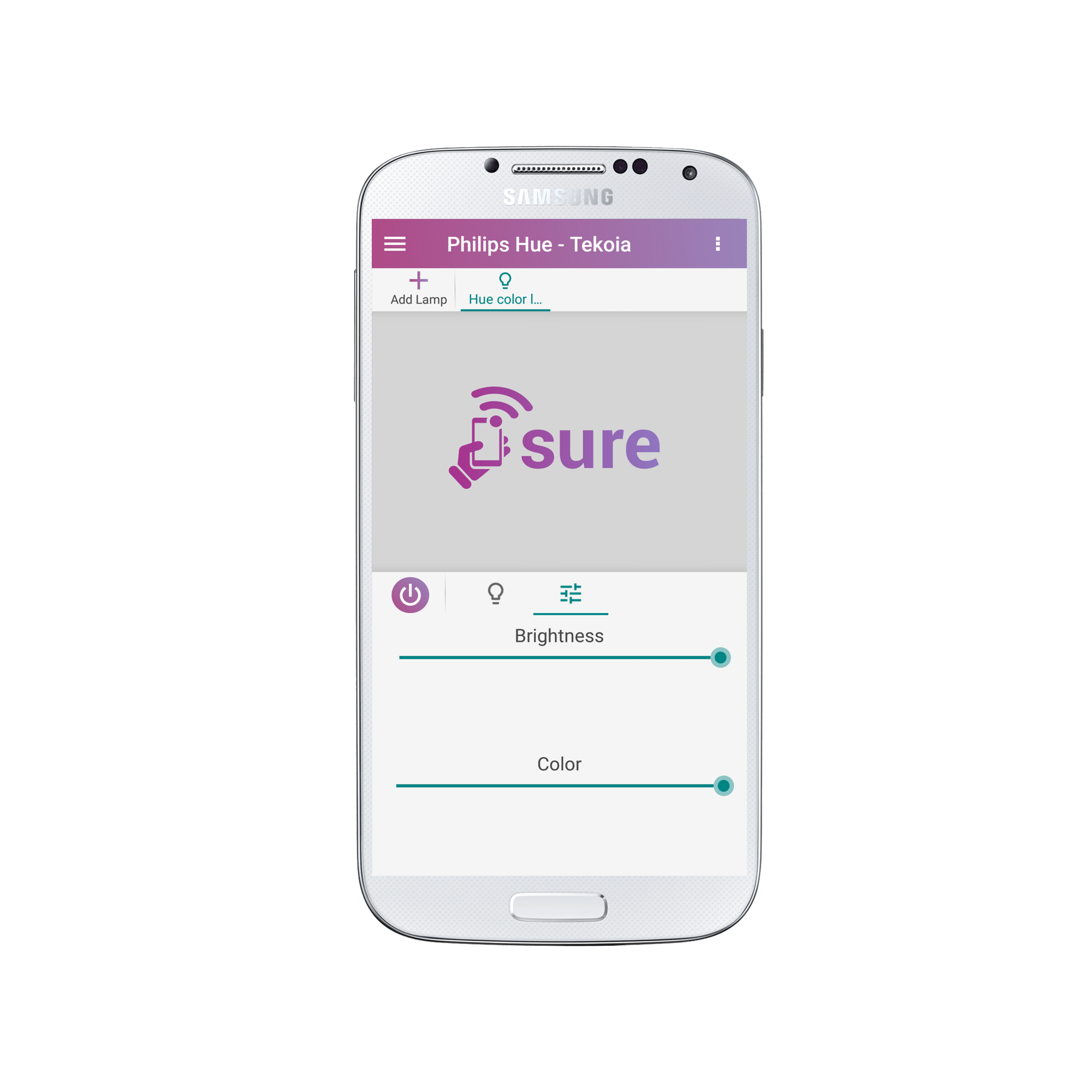
Now set your lights to your mood and have a lovely evening!?
Social
关注我们