

Step-by-Step Instructions to Run a Complete Scan to Find Your Air Conditioner
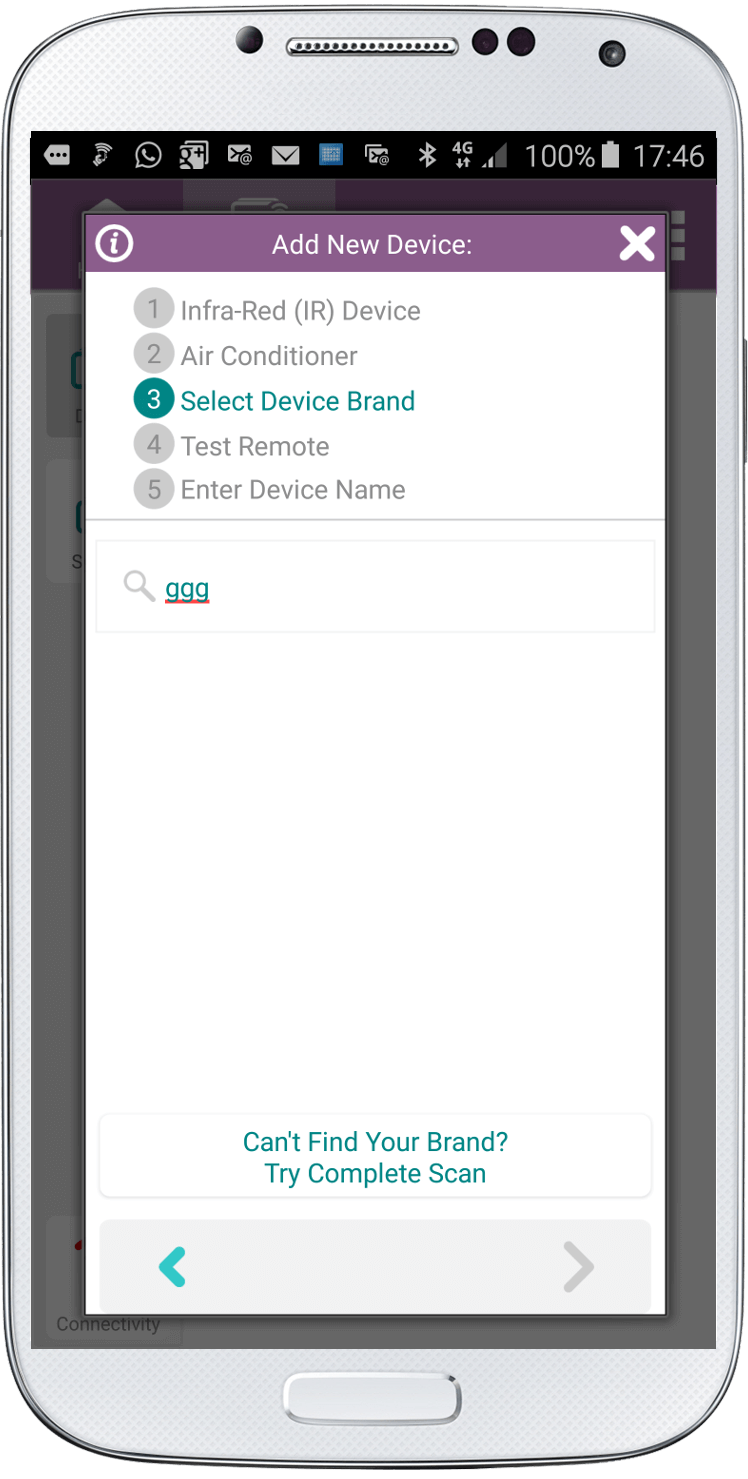
If you can’t find your brand under air conditioner remote or if none of the remotes worked you should try a “complete scan” of all our remotes.
It is possible that one of our remotes could work for your air conditioner.
1. Try finding your brand under the air conditioner remote section.

2. If you can’t find it click the button at the bottom of the screen that says “Can’t Find Your Brand? Try Complete Scan”.
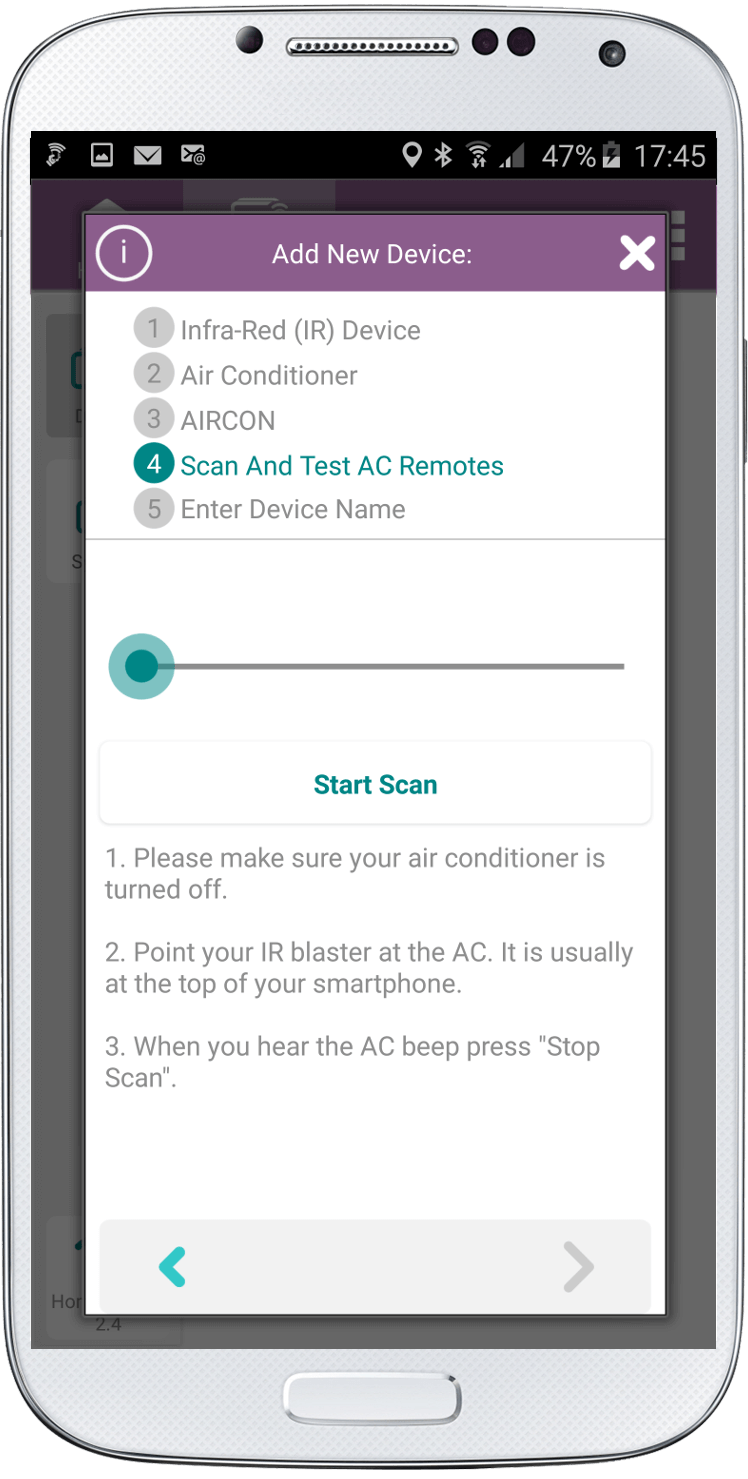
3. Turn your air conditioner off.
4. Point the IR blaster on your smartphone to the air conditioner. The IR blaster is usually at the top of the phone.
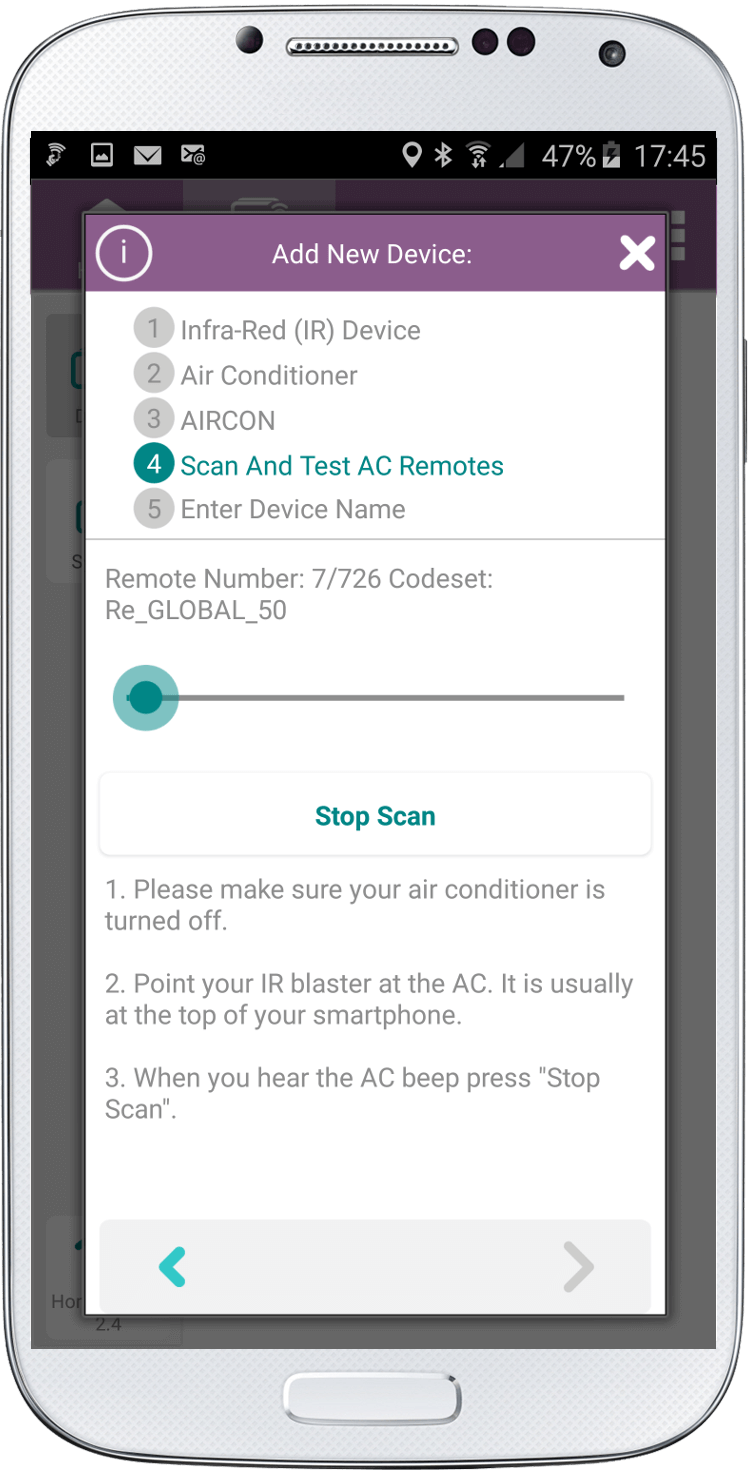
5. Start the scan and be prepared to click “Stop Scan” when you hear a beep.
 |
 |
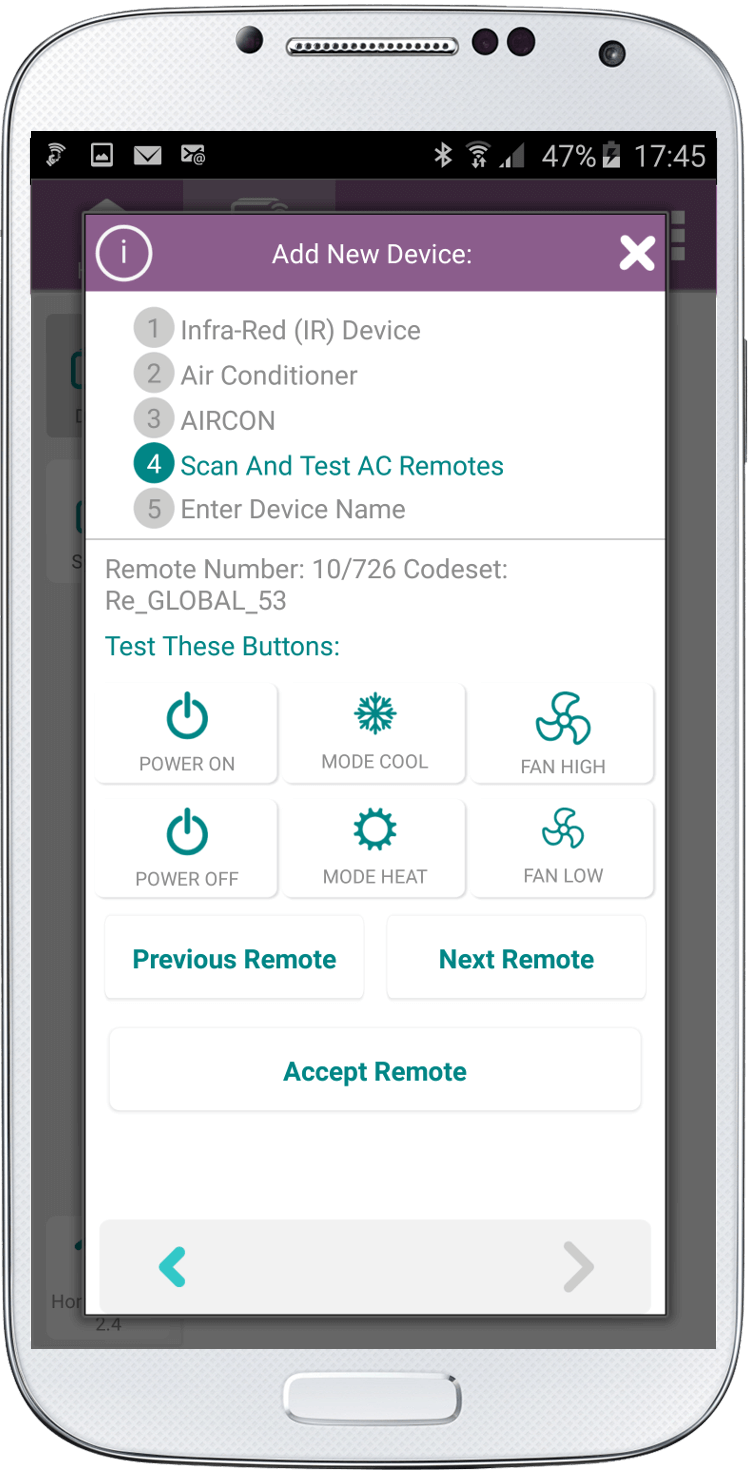
6. Now check if the remote works for your air conditioner. Click the Power On and Power Off buttons. If they don’t work then click Previous Remote to see if you missed your remote.
7. Once you find the remote that turns your air conditioner On and Off test the other buttons.
8. When you find your remote click “Accept Remote”
9. Leave the default name or change it.

10. Click the check at the bottom right of the screen.
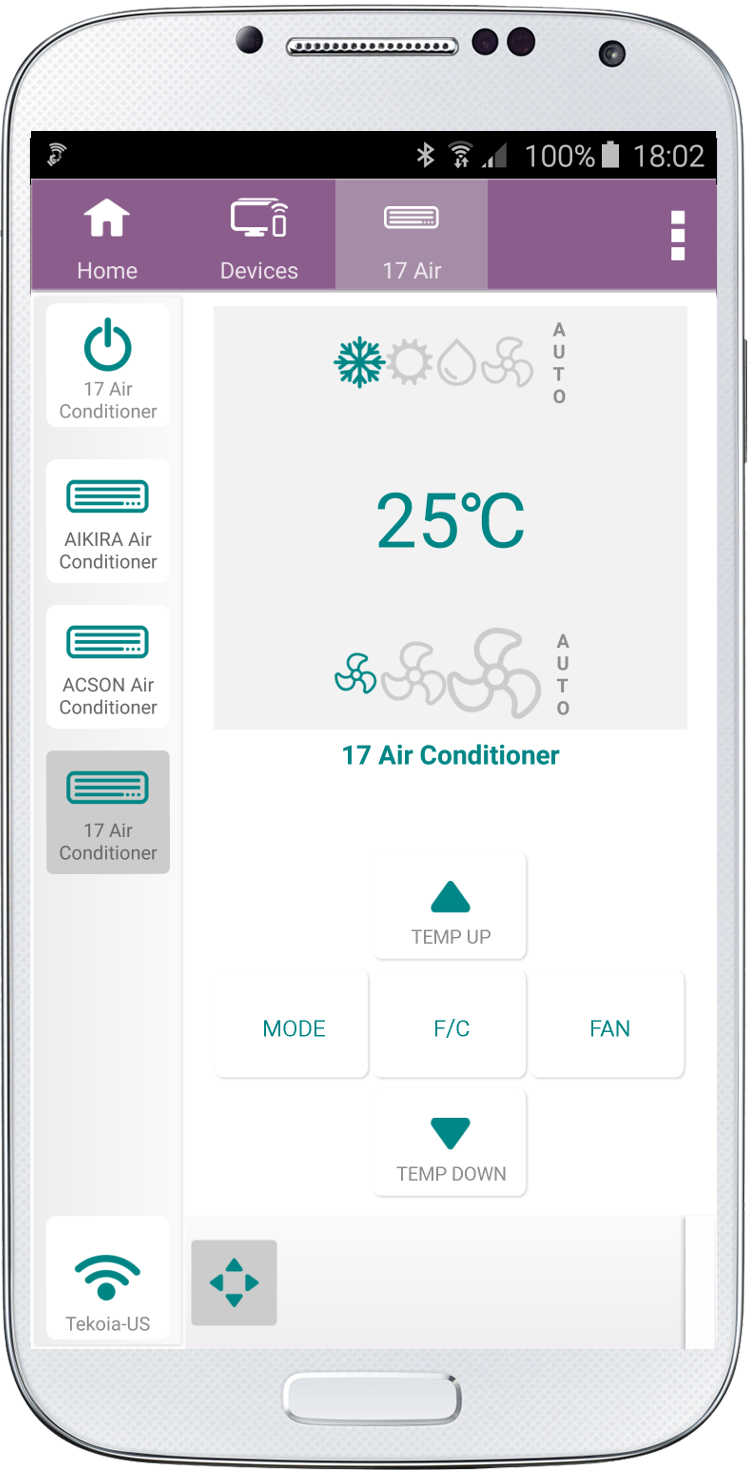
Your AC remote has now been added to the SURE Universal Remote app.
Social
关注我们