
Step-by-Step Instructions to Find the Device ID of Your SURE Universal Remote
If you need to know the Device ID of a device you have added to your SURE Universal remote, please do the following:
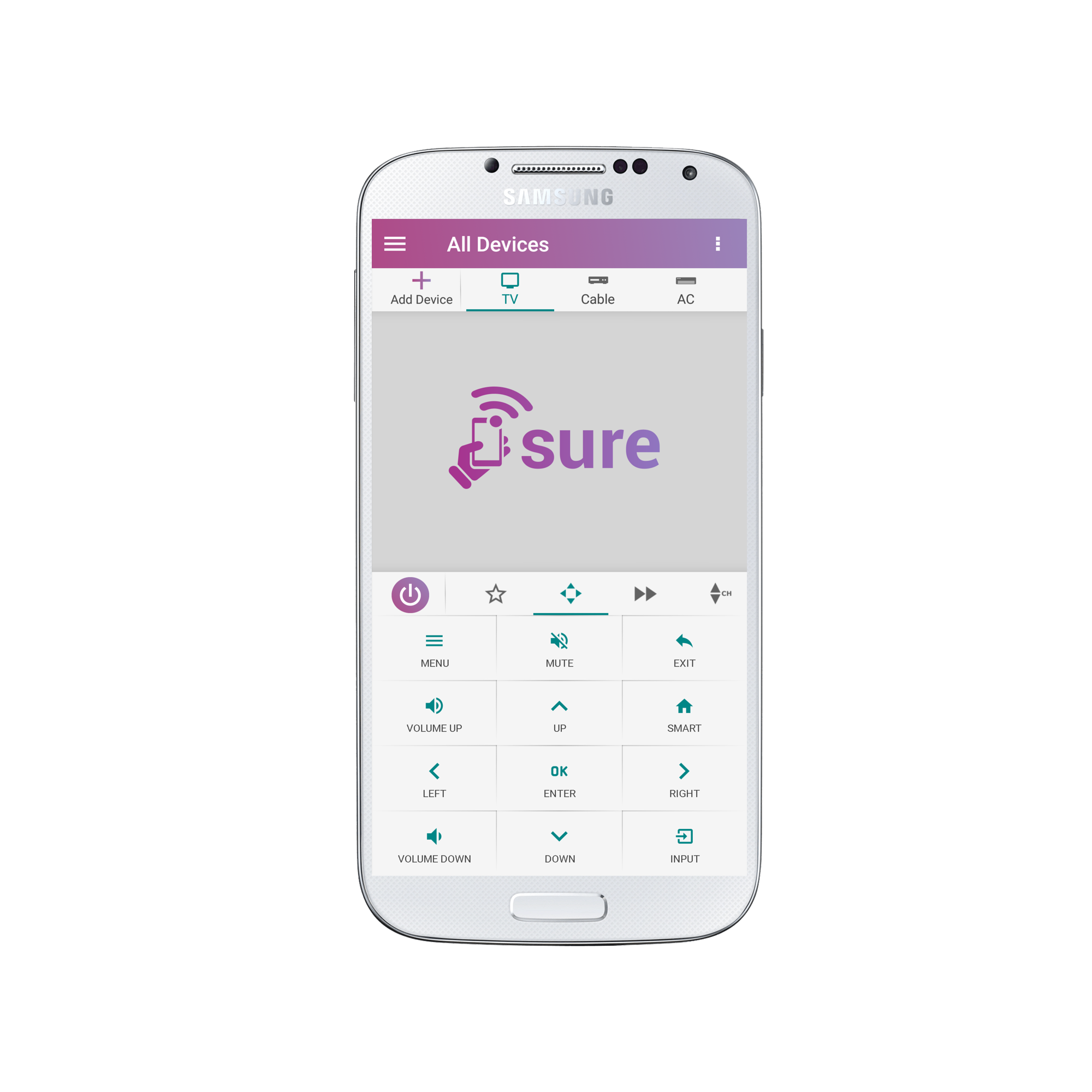
1.Open the remote that you need the Device ID of.
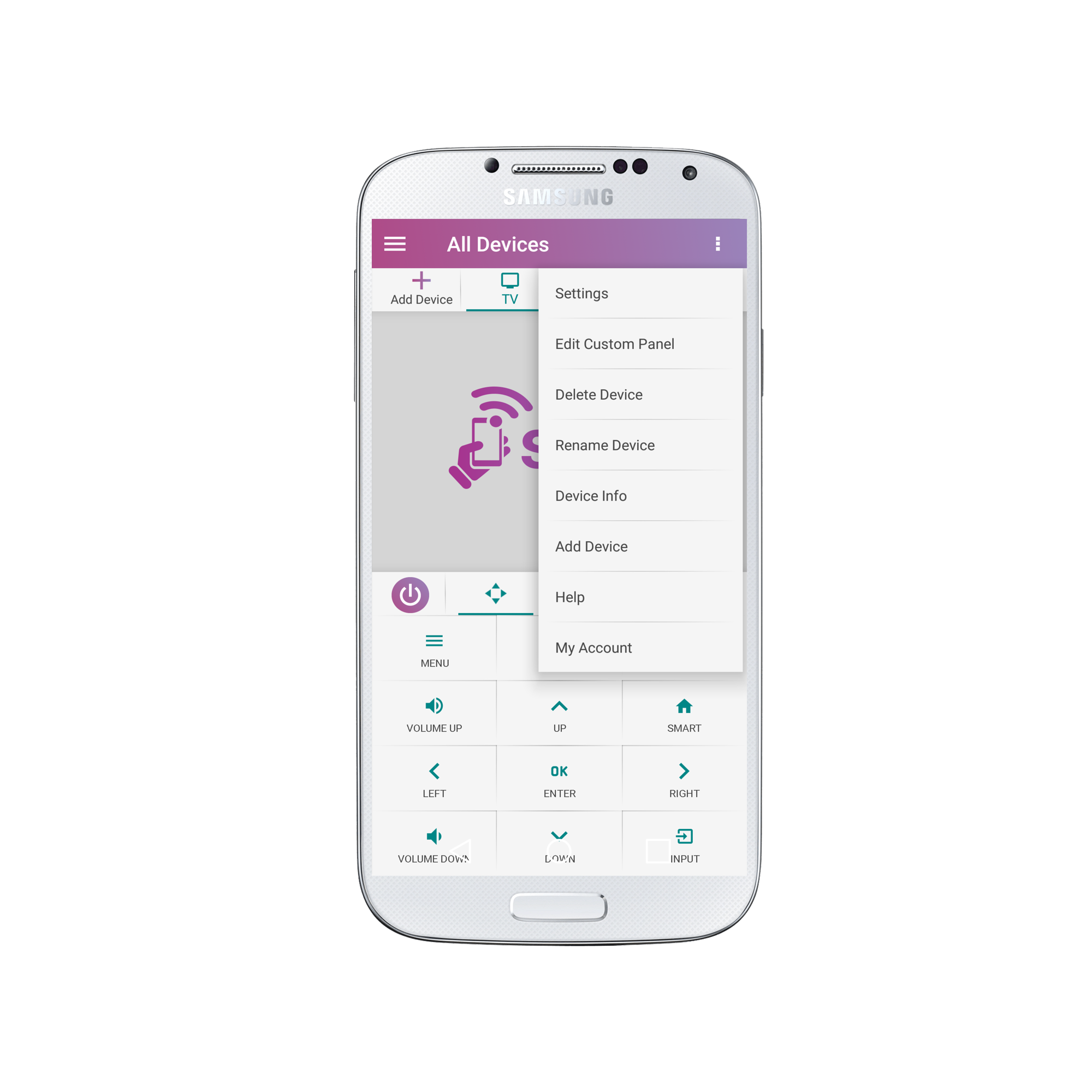
2. Select “Device Info”
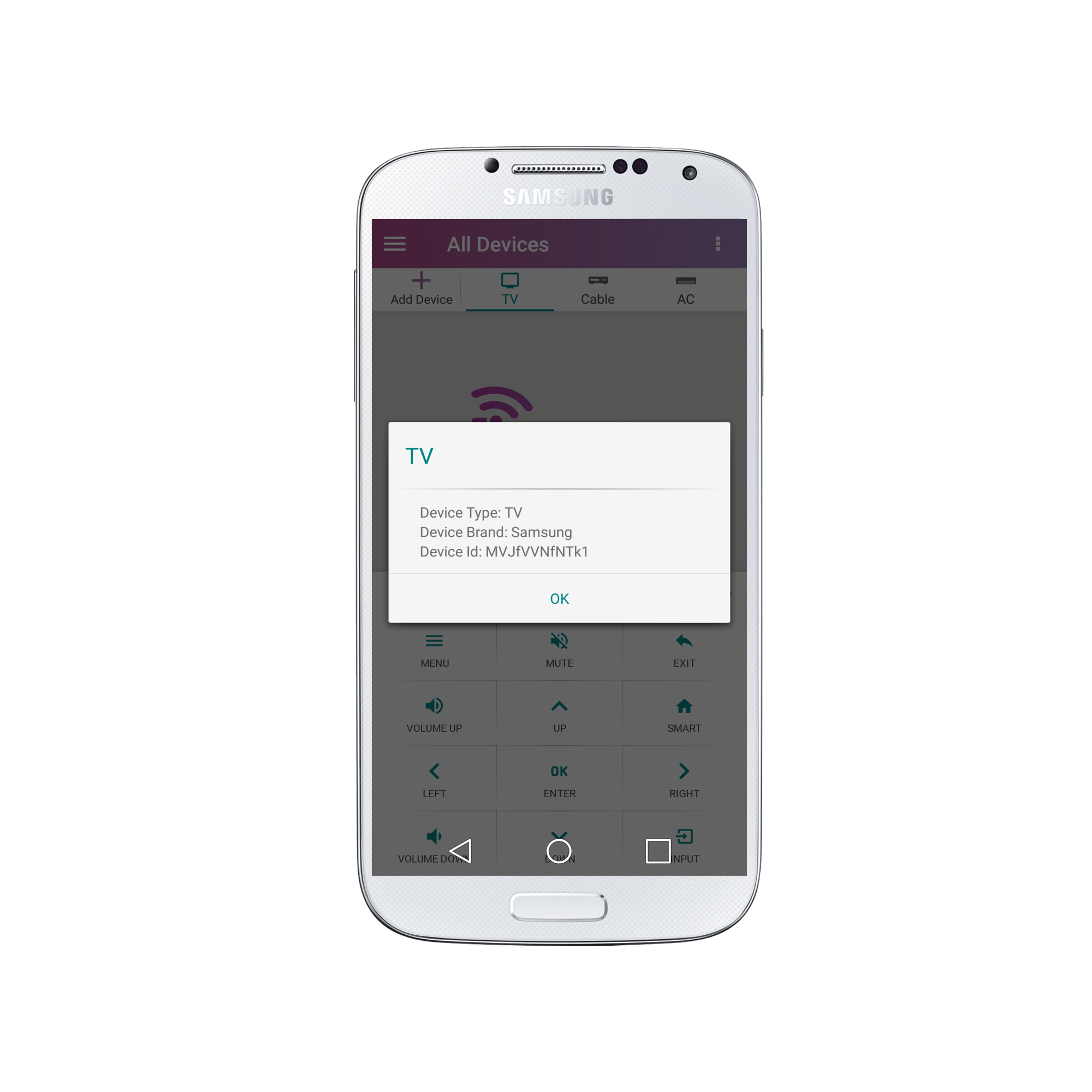
3. That’s it! Now you have the Device ID.?
Social
关注我们