
Step-by-Step Instructions to Change the Language on Your SURE Universal Remote
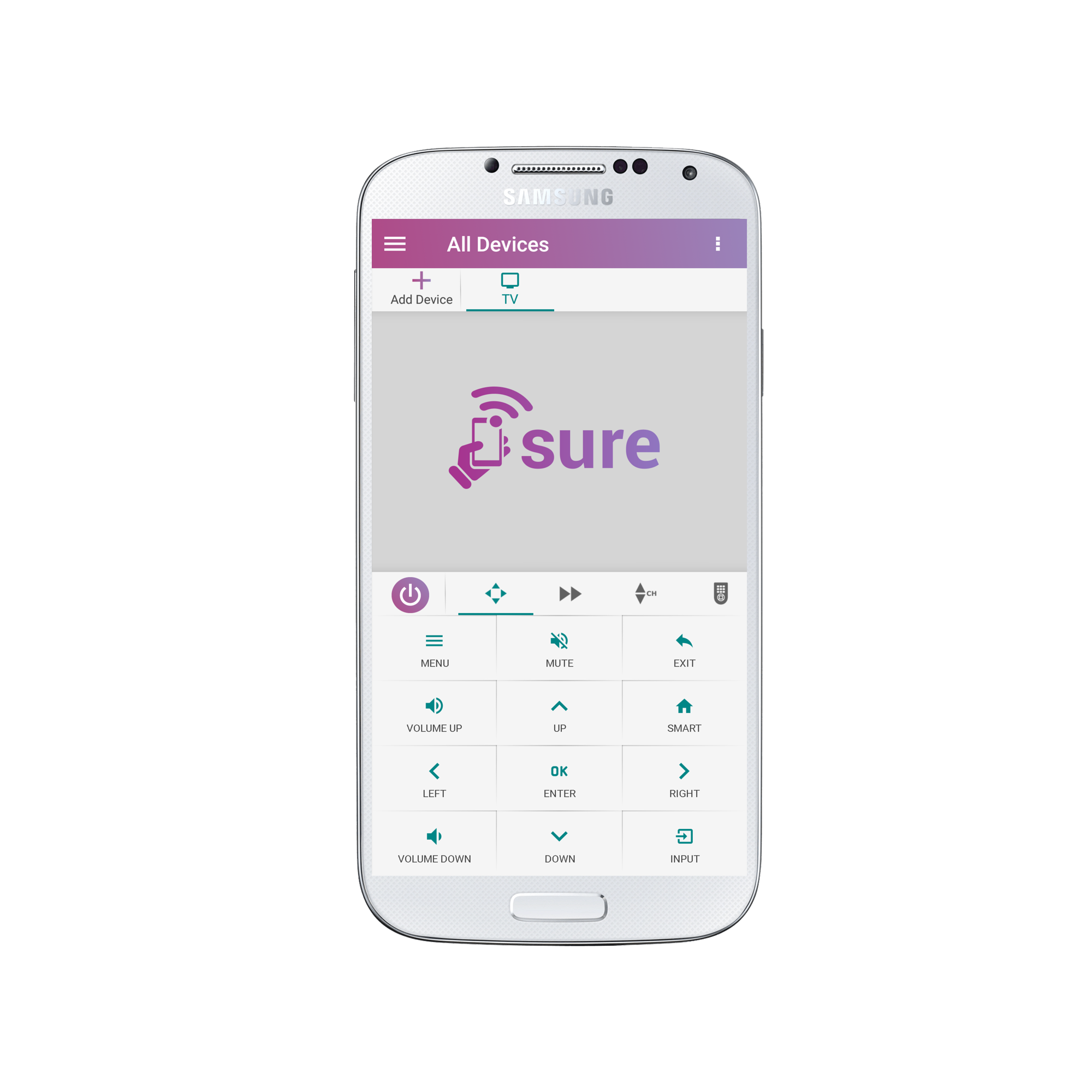
1.Tap the 3 vertical dots in the top right corner of the screen
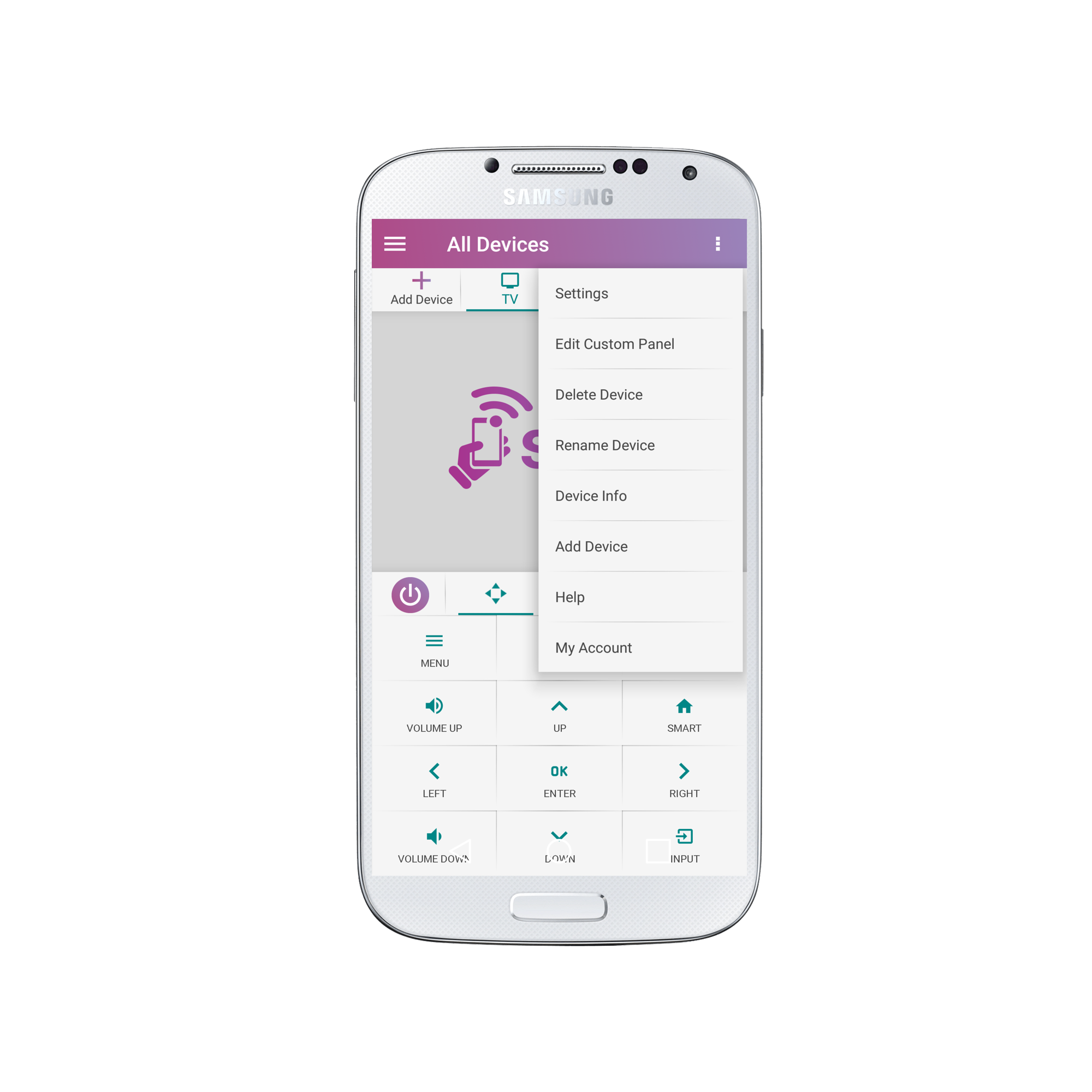
2. Select “Settings”
3. Under “Personalize SURE” select “Language”
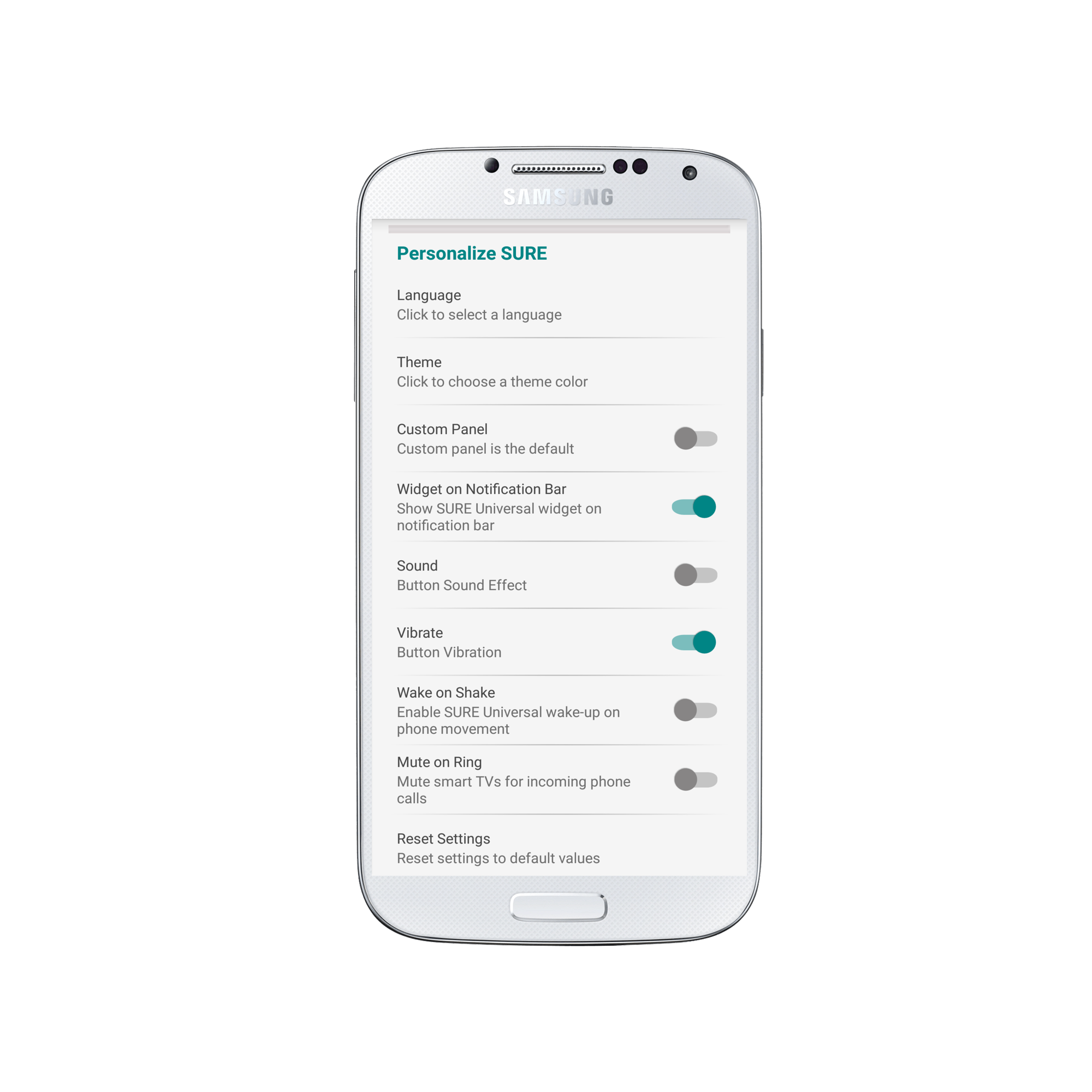
3. Select your language of choice and enjoy.?

Don’t see your language? Request we add it here.
Social
关注我们