
Step-by-Step Instructions to Reset the Password of Your SURE Universal Account
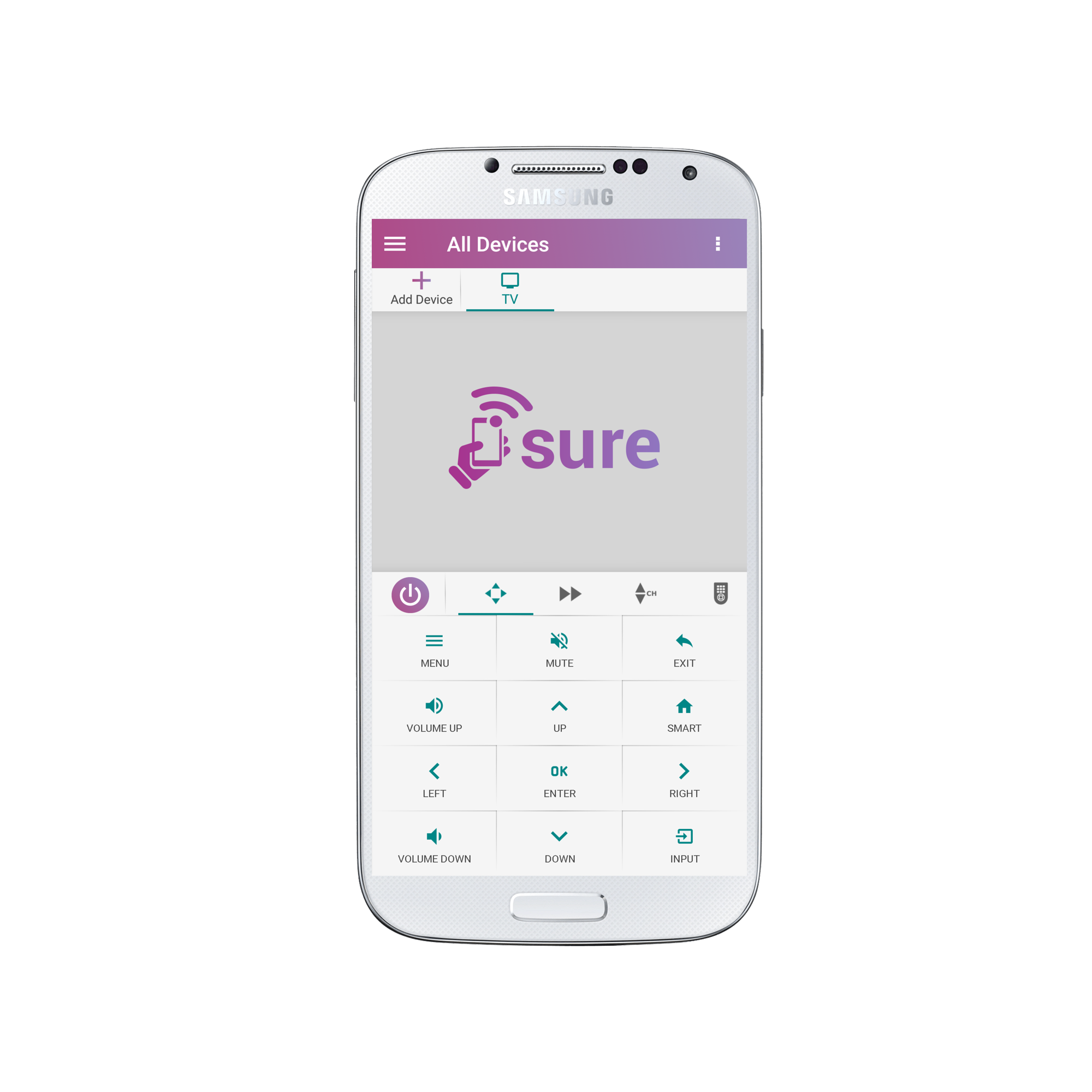
1.Tap the 3 vertical dots in the top right corner of the screen
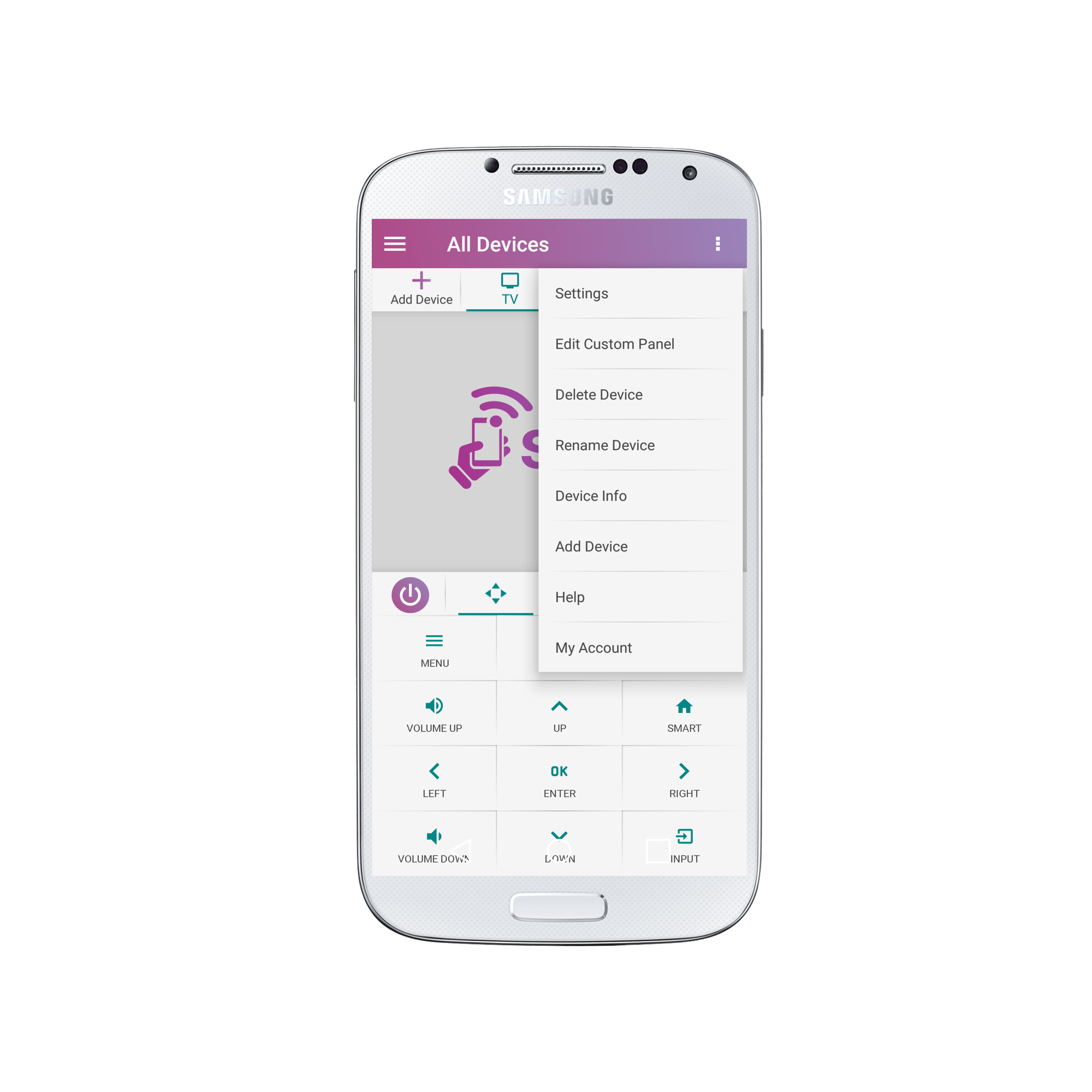
2. Select “My Account”
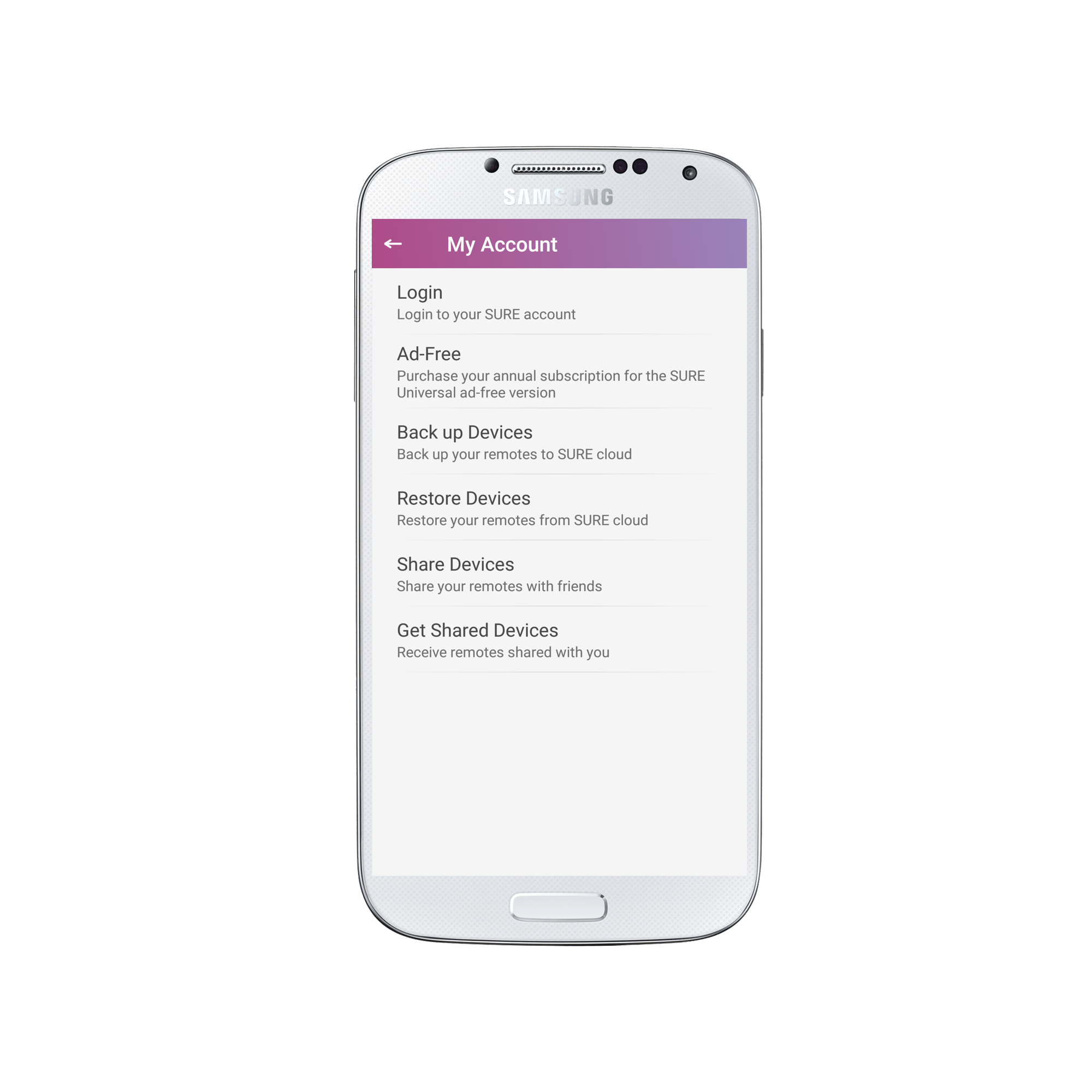
3. Select “Login”
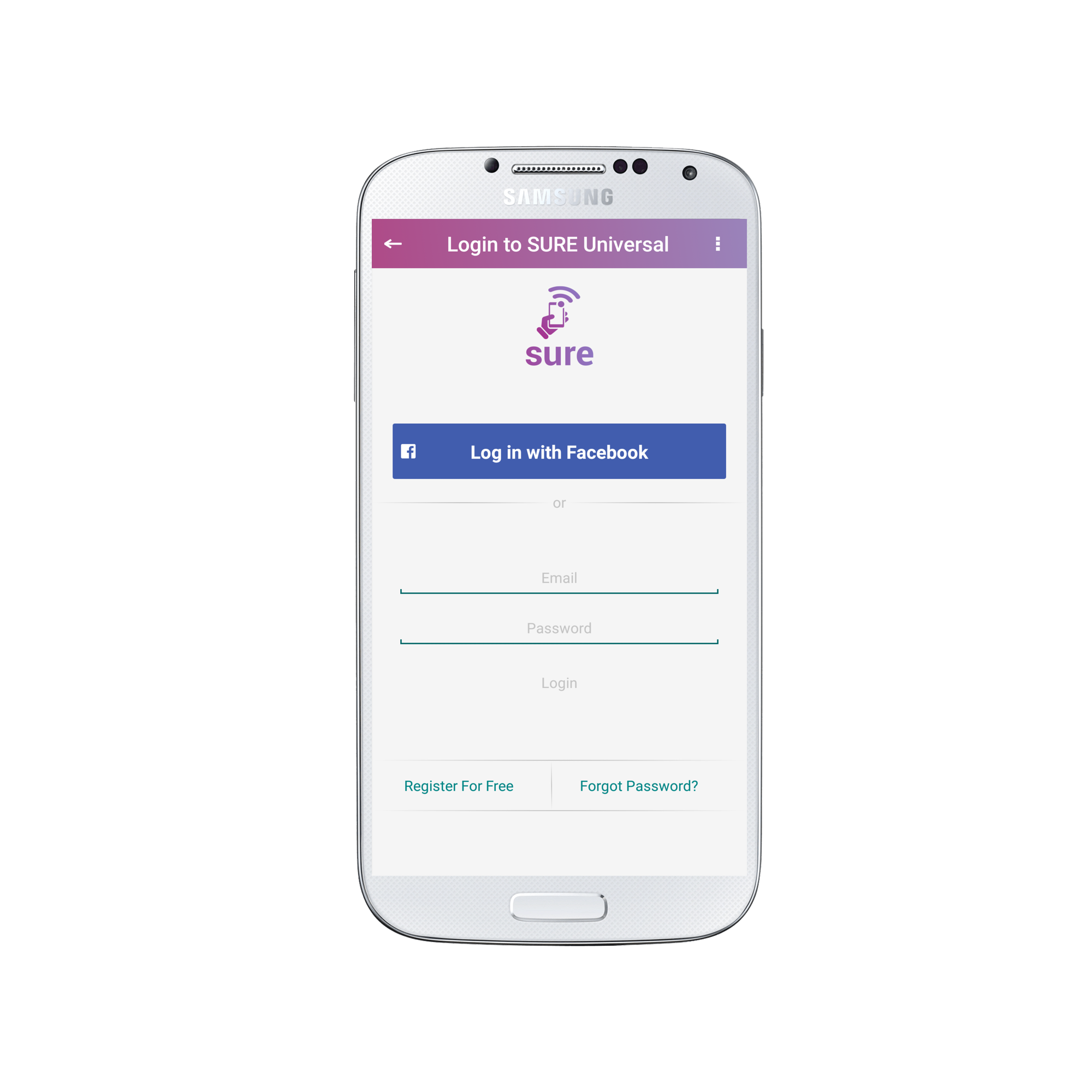
4. Click “Forgot Password?” in the bottom right of the screen
5. Enter the email address you used to create your account.
Click “Send Reset Password Email” when you are ready.
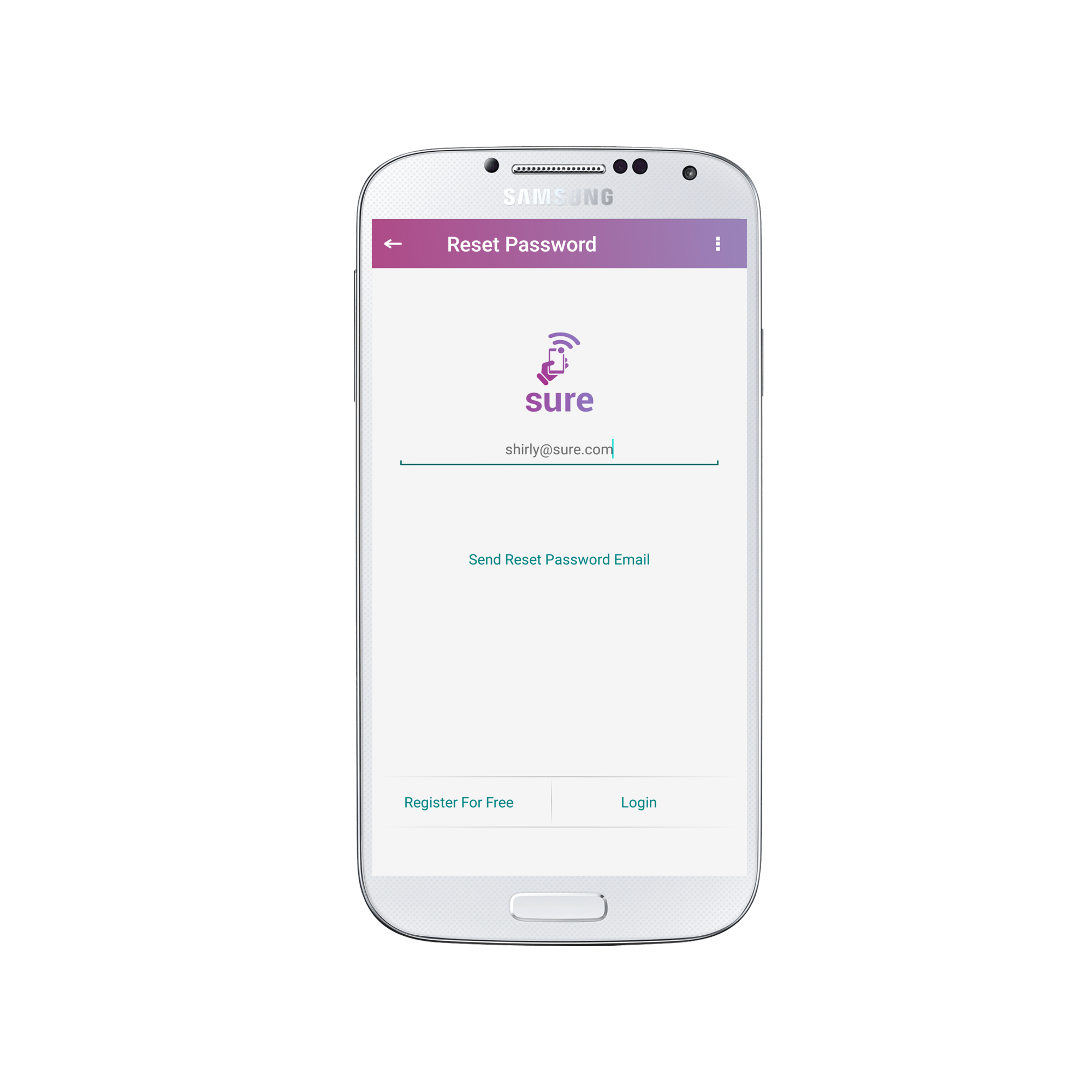
An email will be sent to you from support@tekoia.com with the subject “Password Reset” prompting you to reset your password.
Follow the steps outlined and your password will be updated.?
Social
关注我们