
Step-by-Step Instructions to Restore Your Devices from SURE Cloud
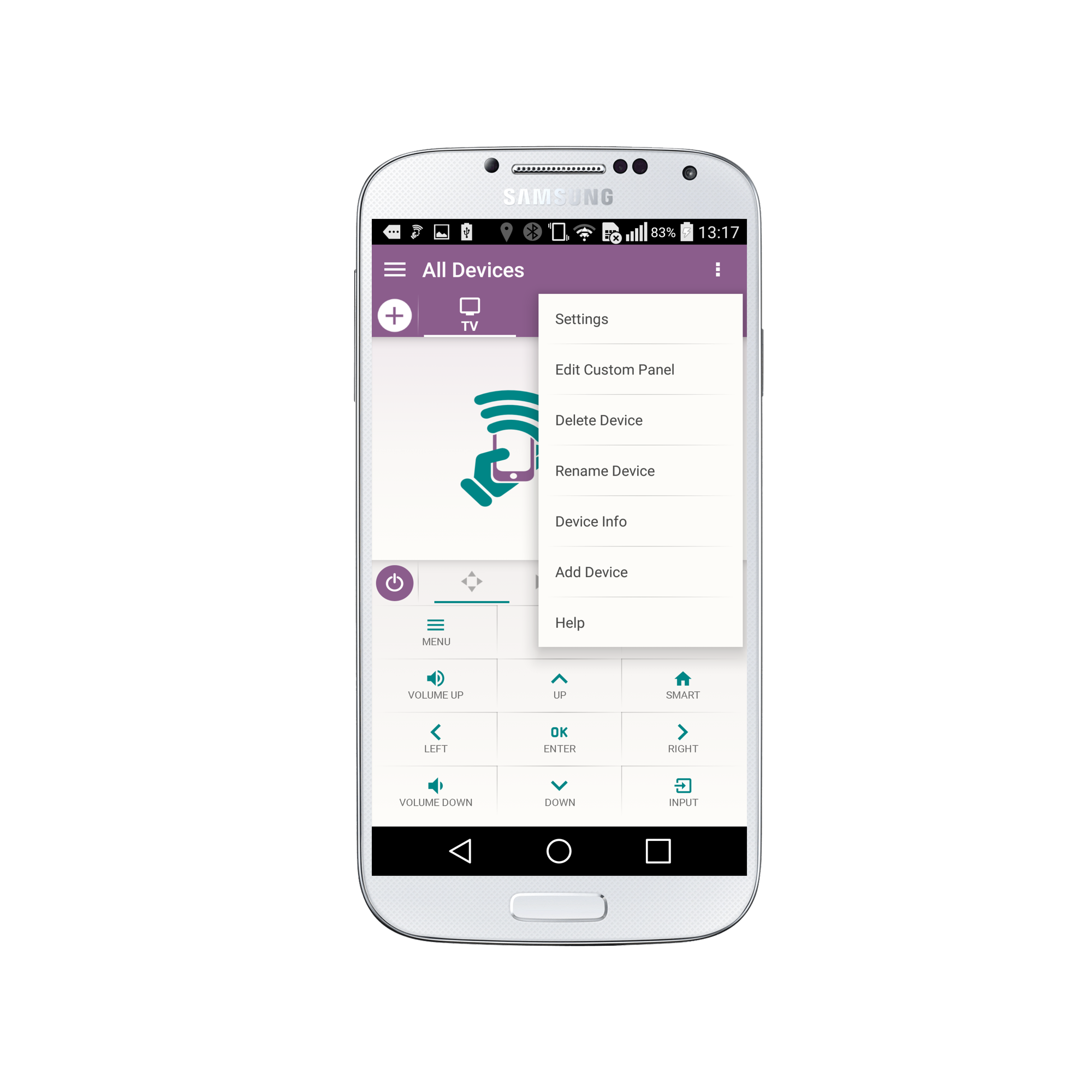
1.Tap the 3 vertical dots in the top right corner of the screen
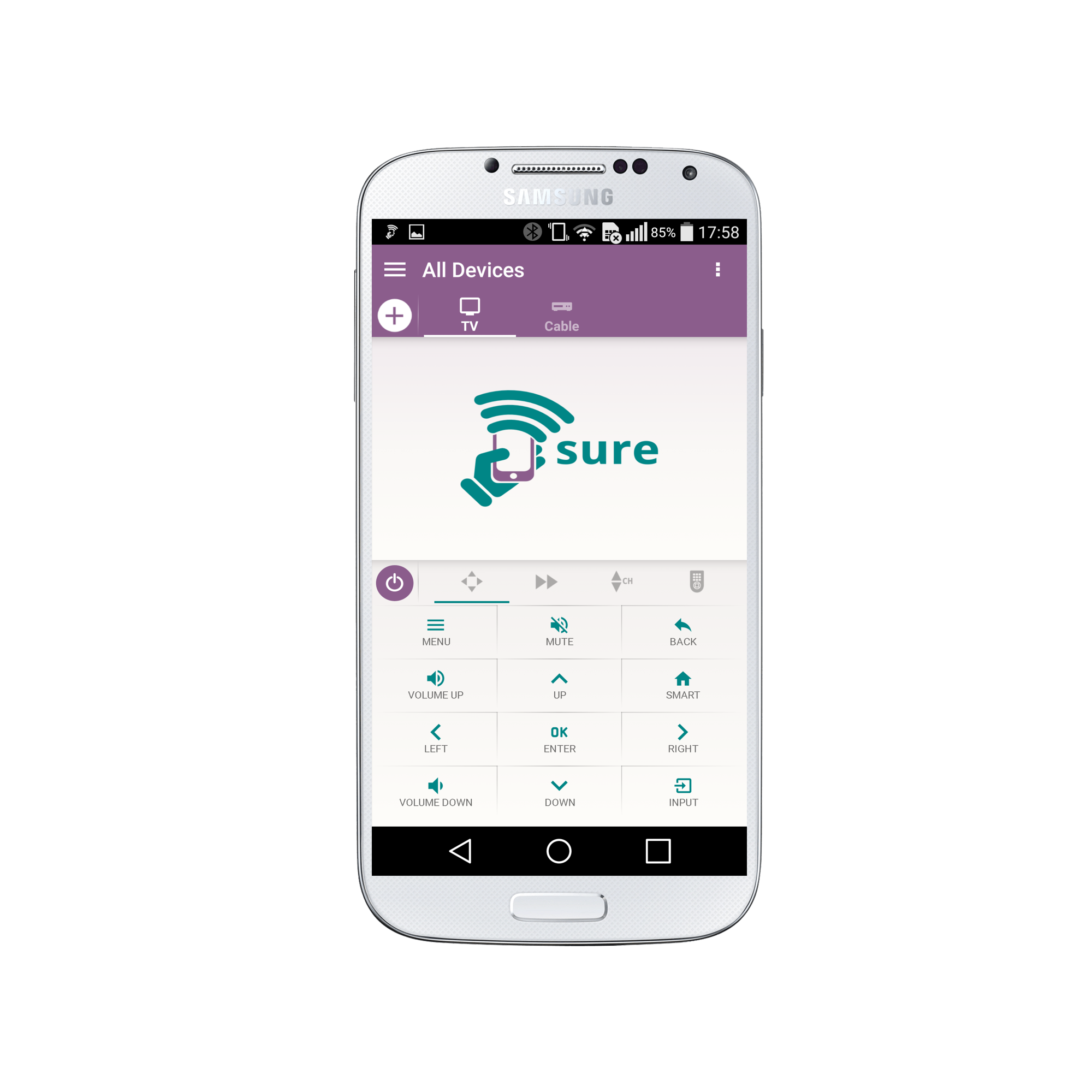
2. Select “Settings”
3. Under “Backup” select “Restore Devices”

4. Select “OK”

5. Select “OK”
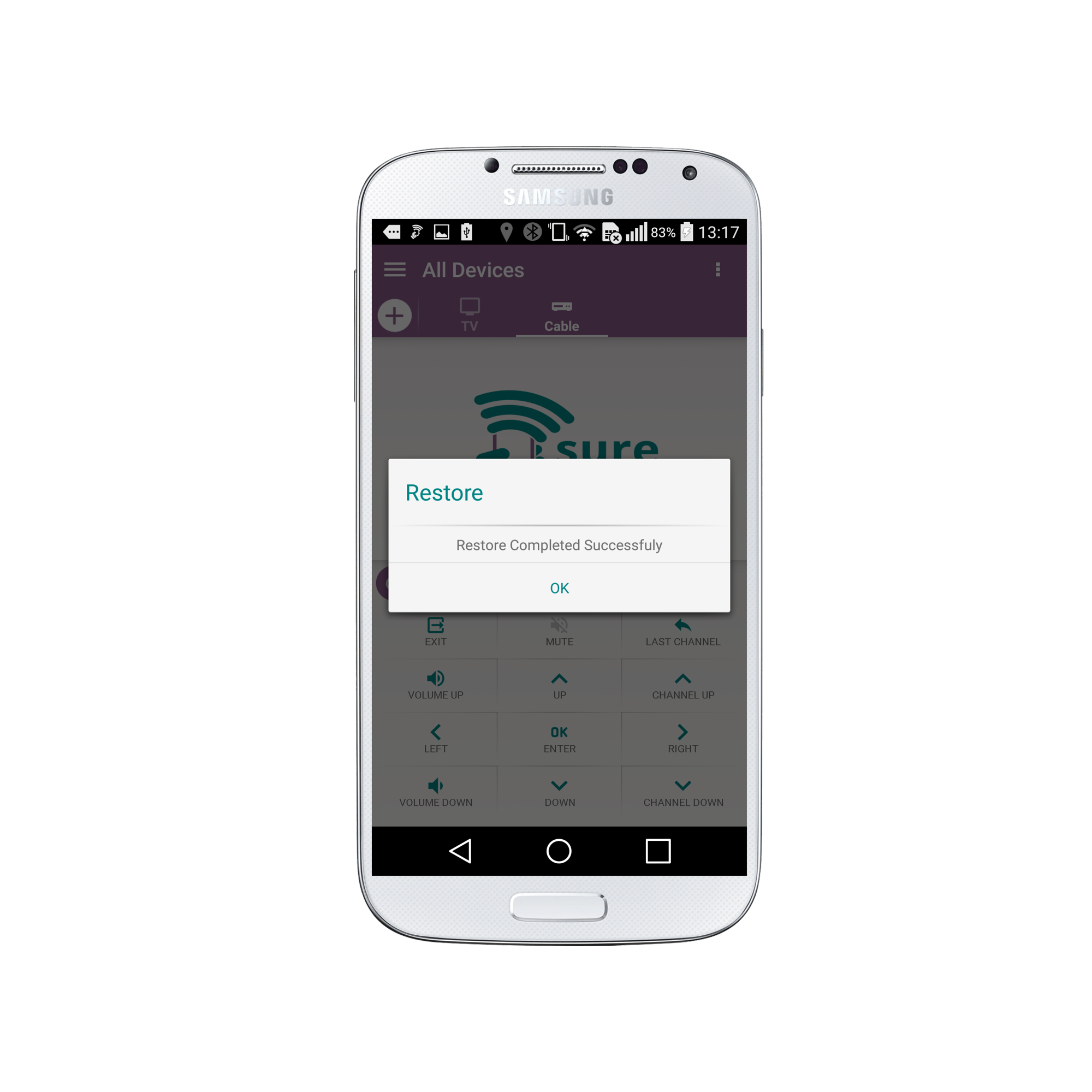
Congratulations! Your devices are now restored from SURE Cloud.?
*Please note that you can not currently restore your backup on multiple smartphones.
Social
关注我们