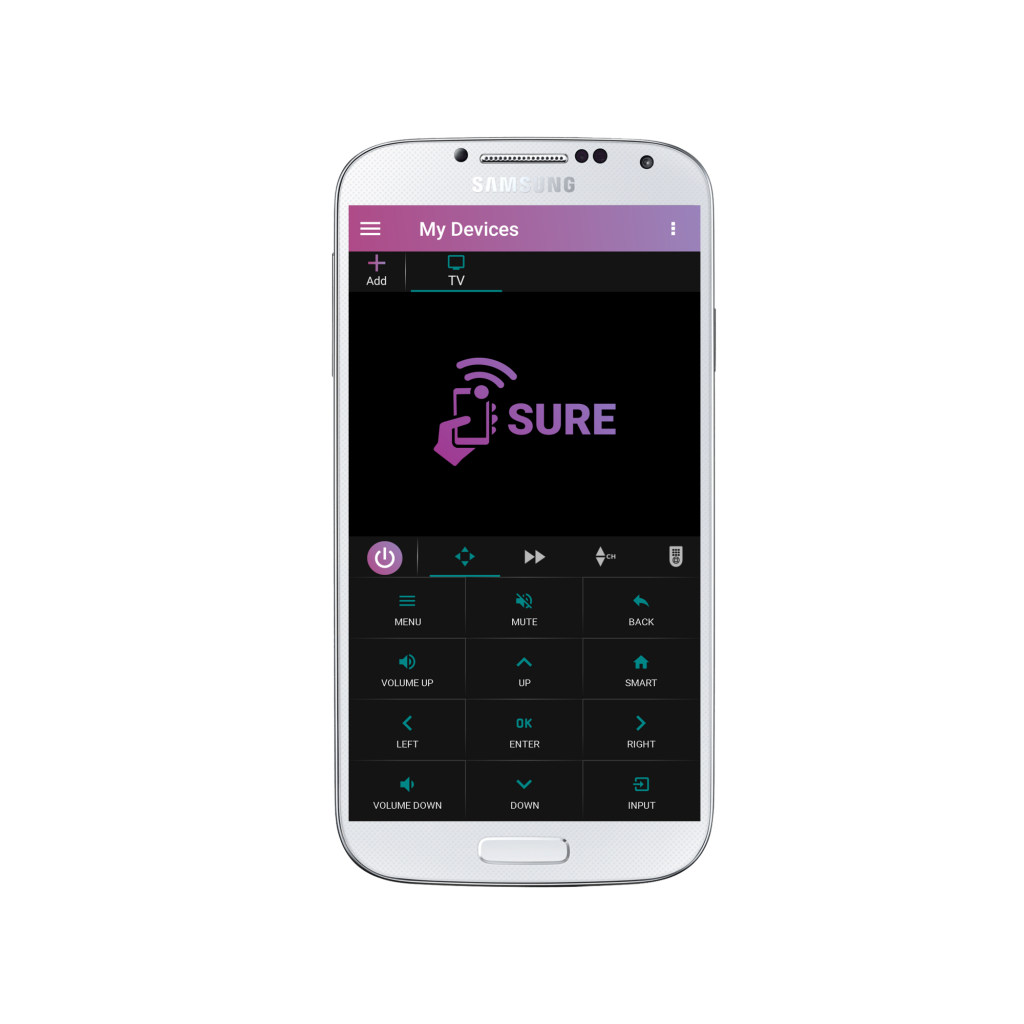
Step-by-Step Instructions to Change the Theme Color on Your SURE Universal Remote
To change the theme color of your SURE Universal Remote simply follow the steps below:
1.Tap the 3 vertical dots in the top right corner of the screen
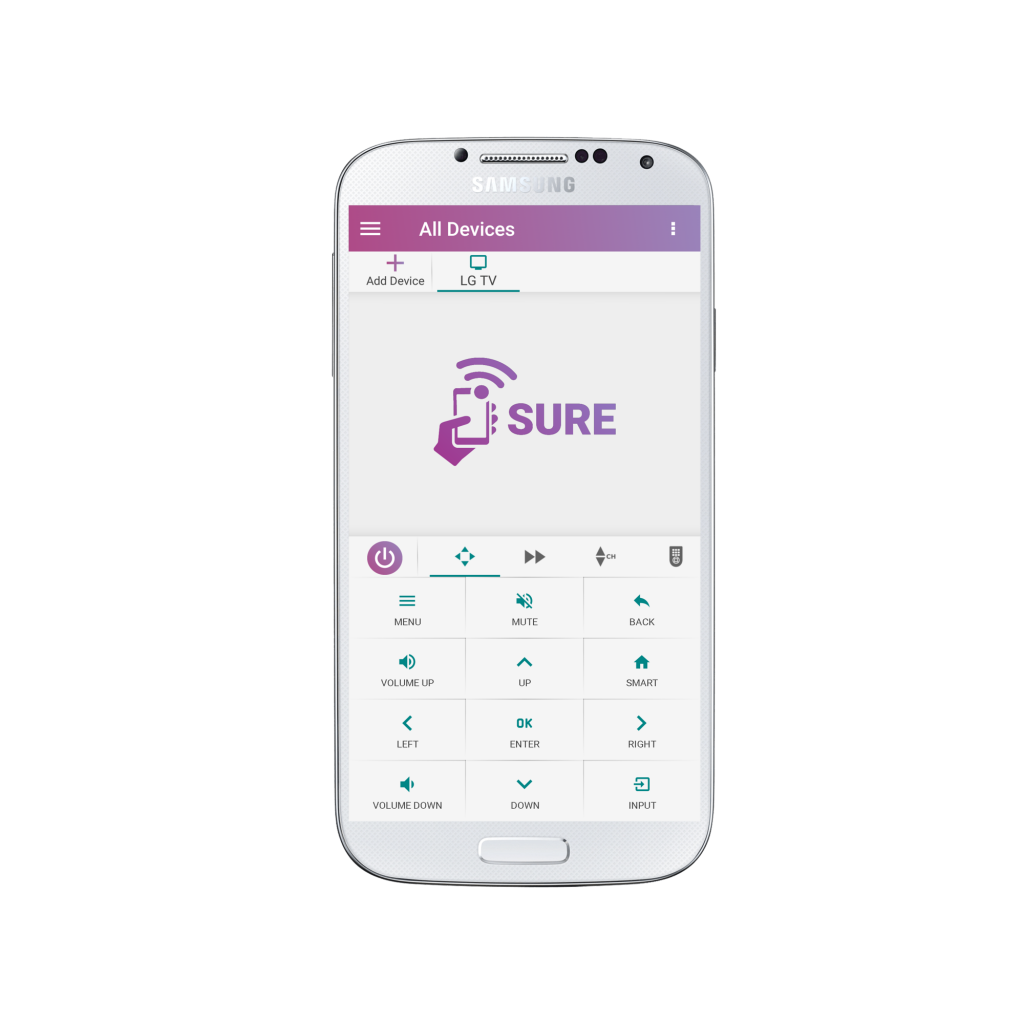
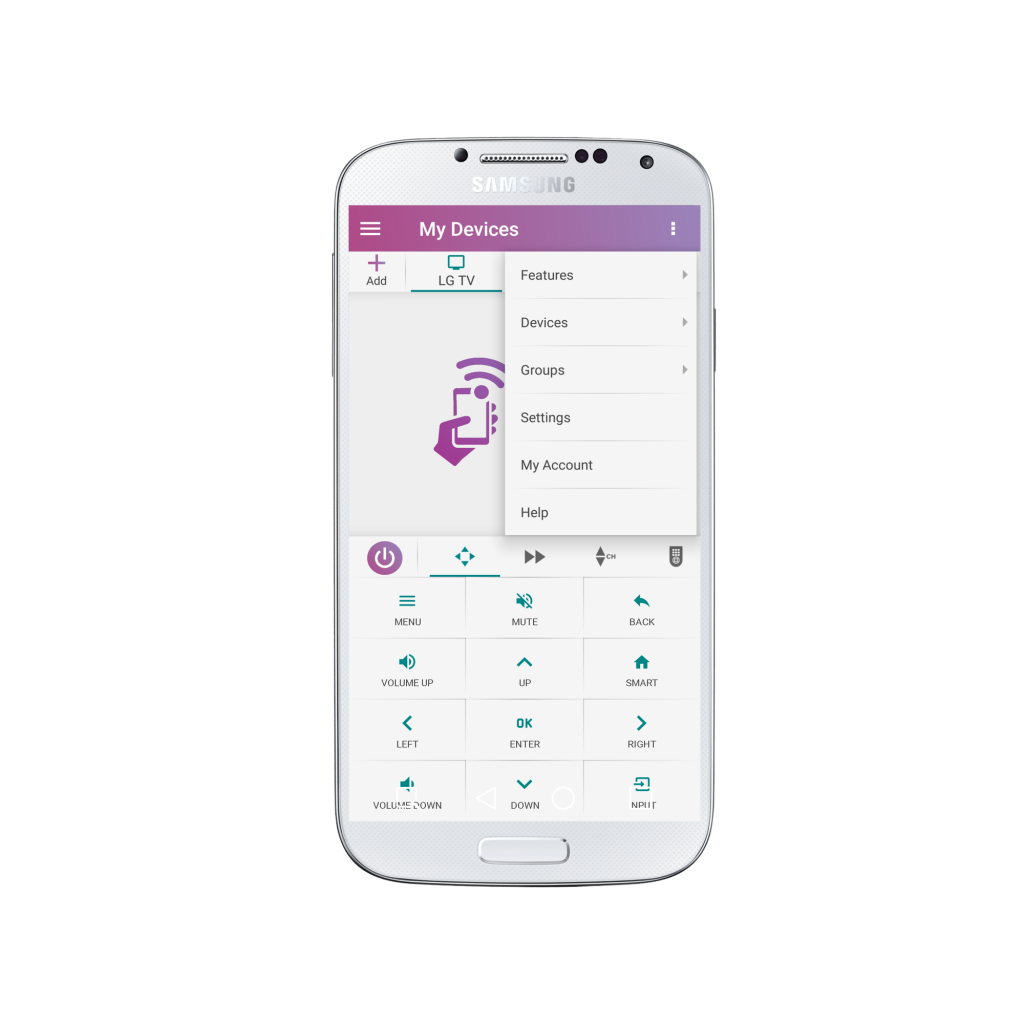
2. Select “Settings”
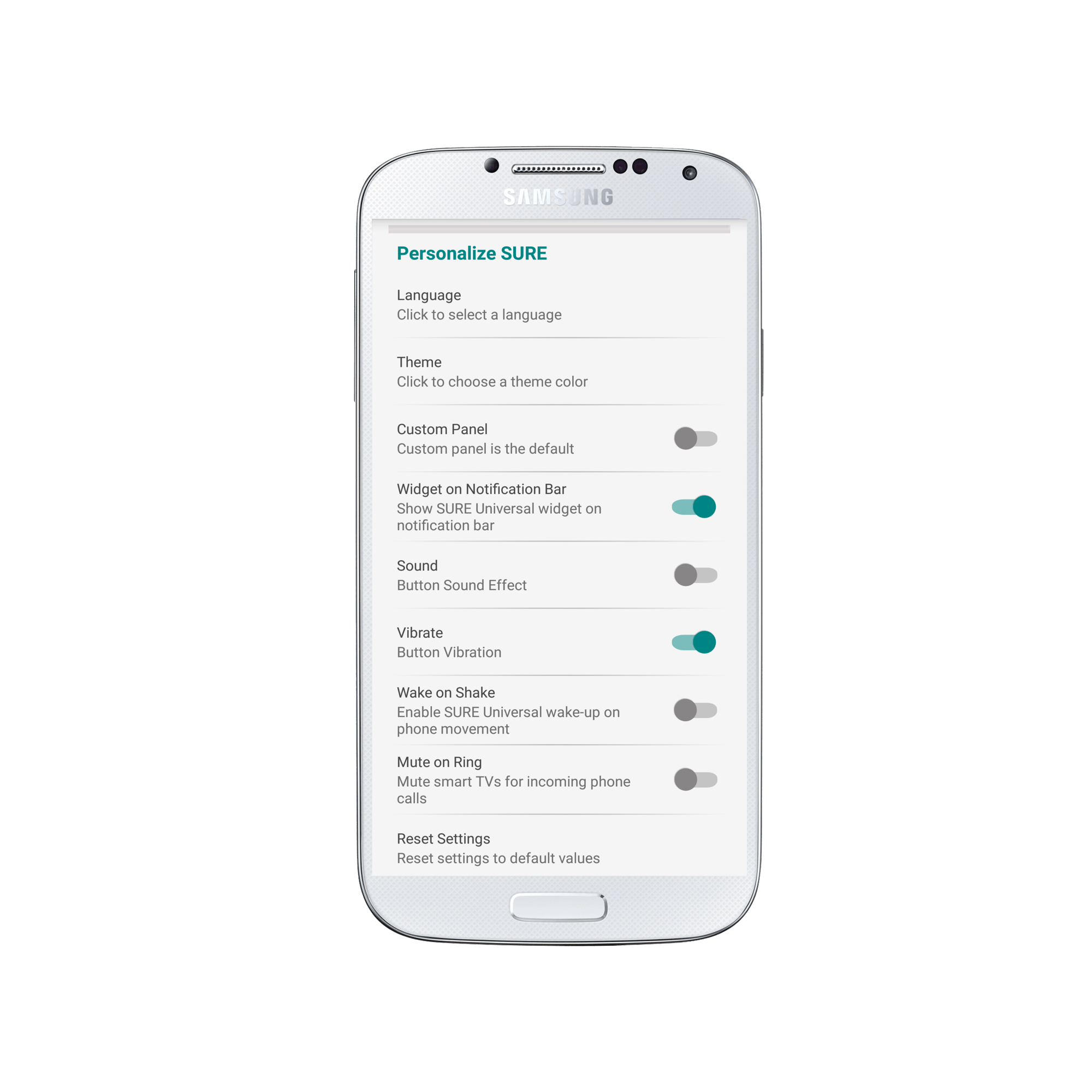
3. Under “Personalize SURE” select “Theme”
4. Select your desired theme color – Light (default) or Dark
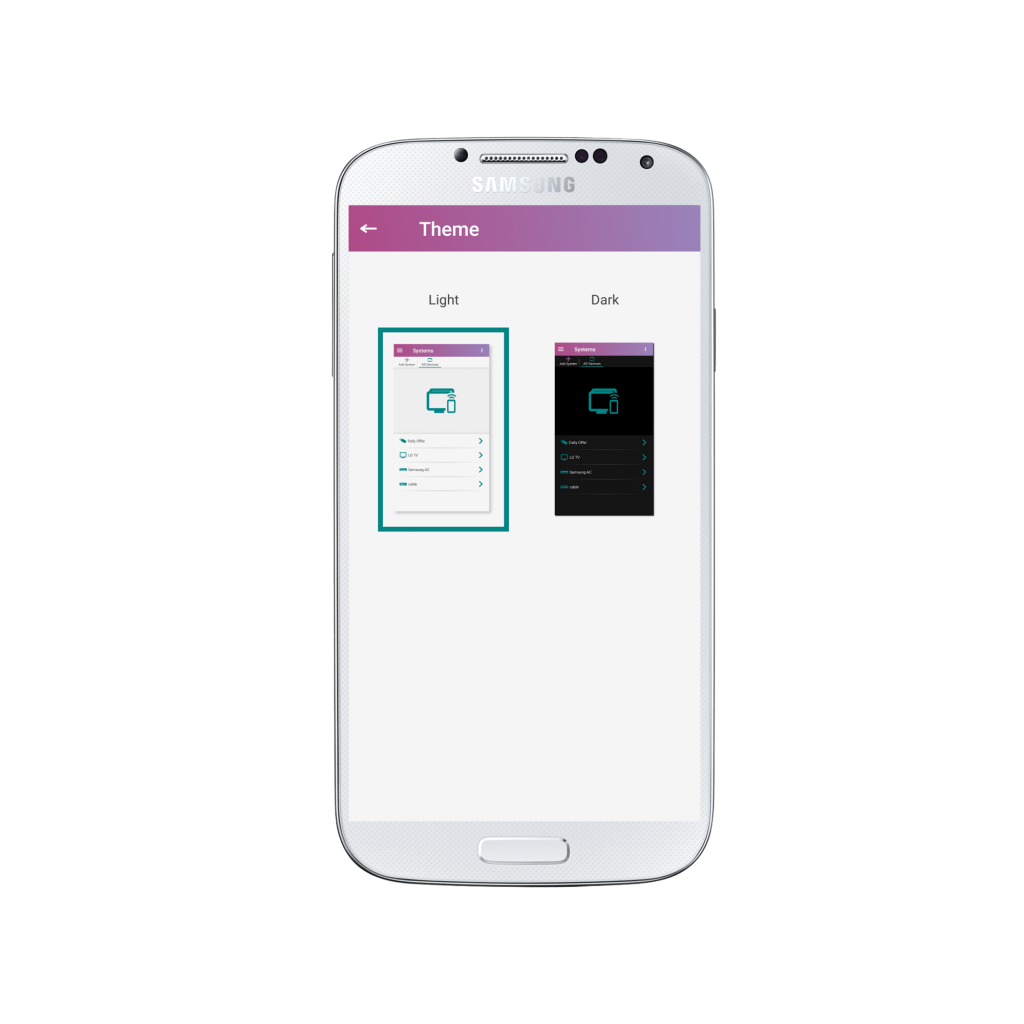
5. Enjoy using SURE Universal Remote in the color of your choice!