Step-by-Step Instructions to Delete Your SURE Universal Account
1.Tap the 3 vertical dots in the top right corner of the screen

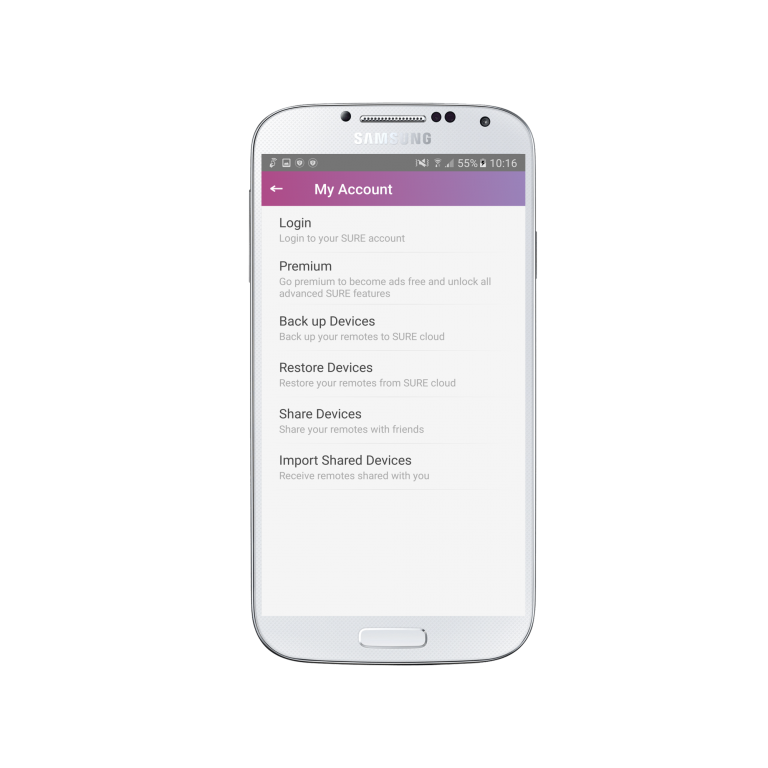
2. Select “My Account”

3. Select “Delete Account”
4. Click on the “I understand, delete account” button
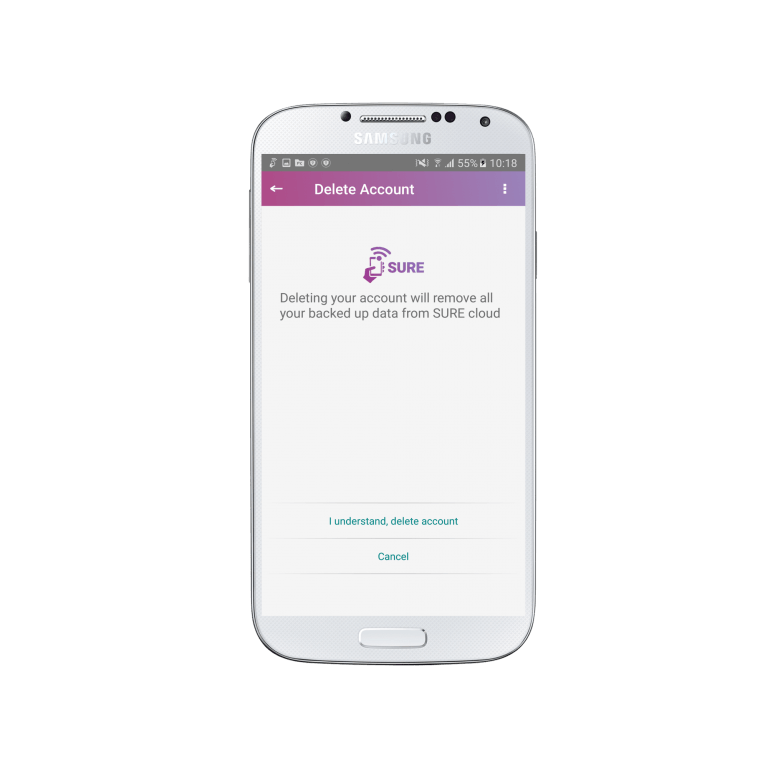
After a few seconds your account will be deleted.