

Step-by-Step Instructions to Setup Your SURE Universal to Replace your Air Conditioner Remote
1. Click “Devices” on the Home Screen
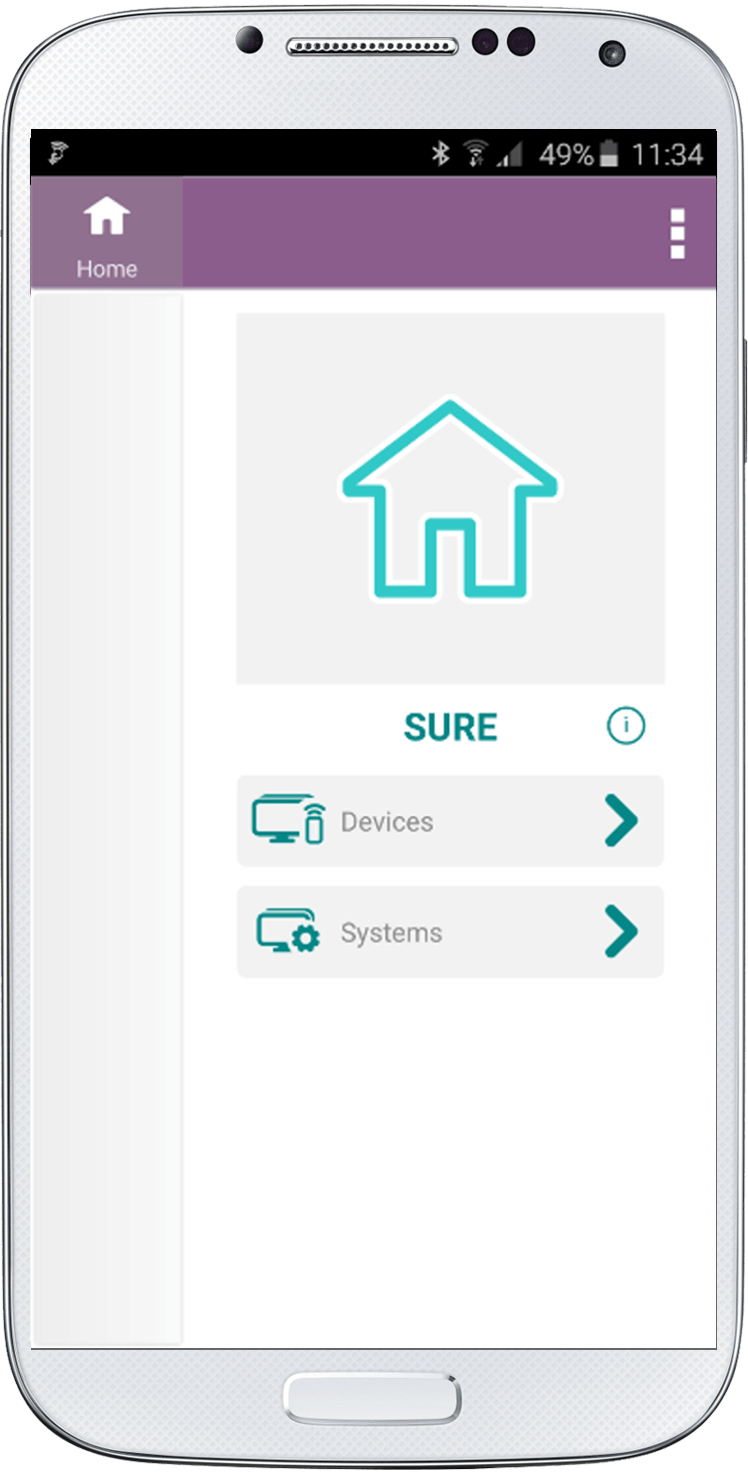
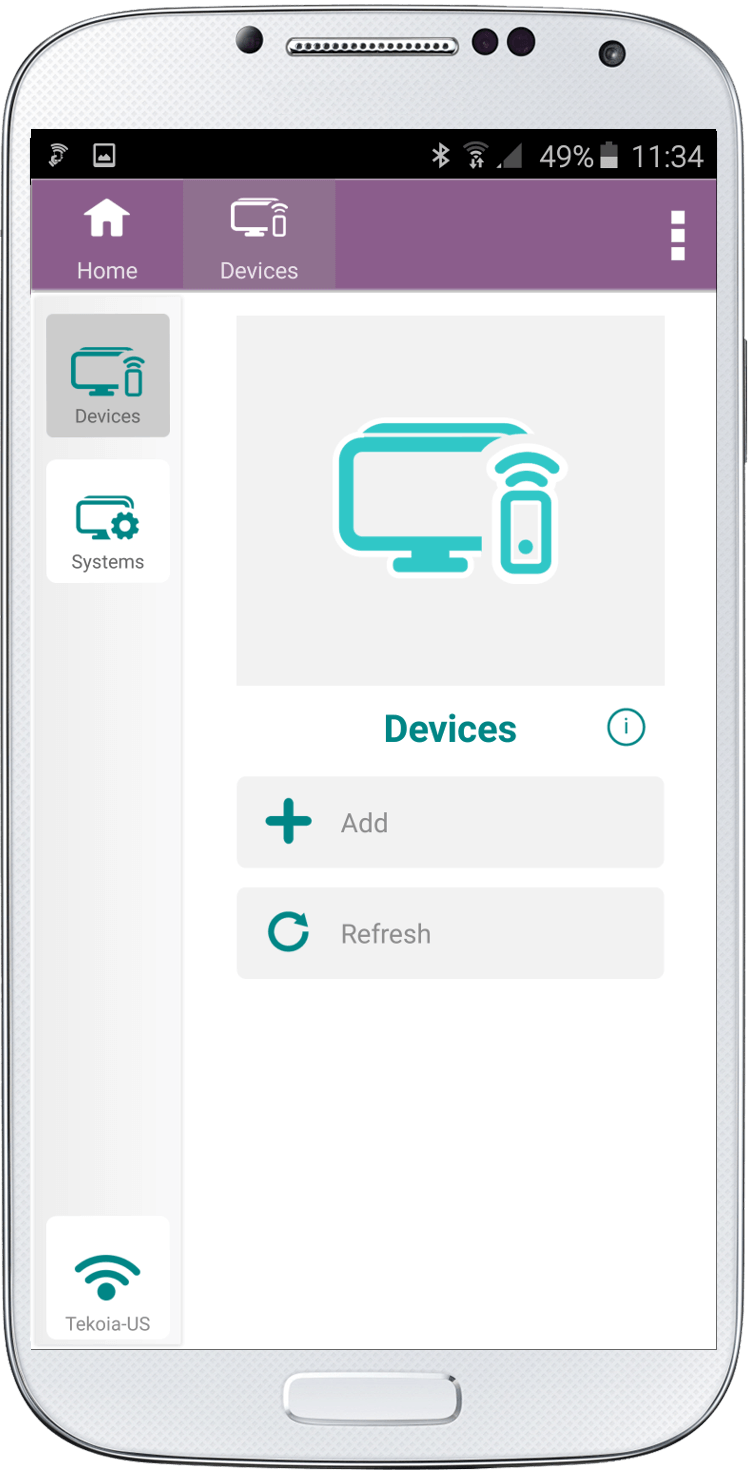
2. Click “Add”
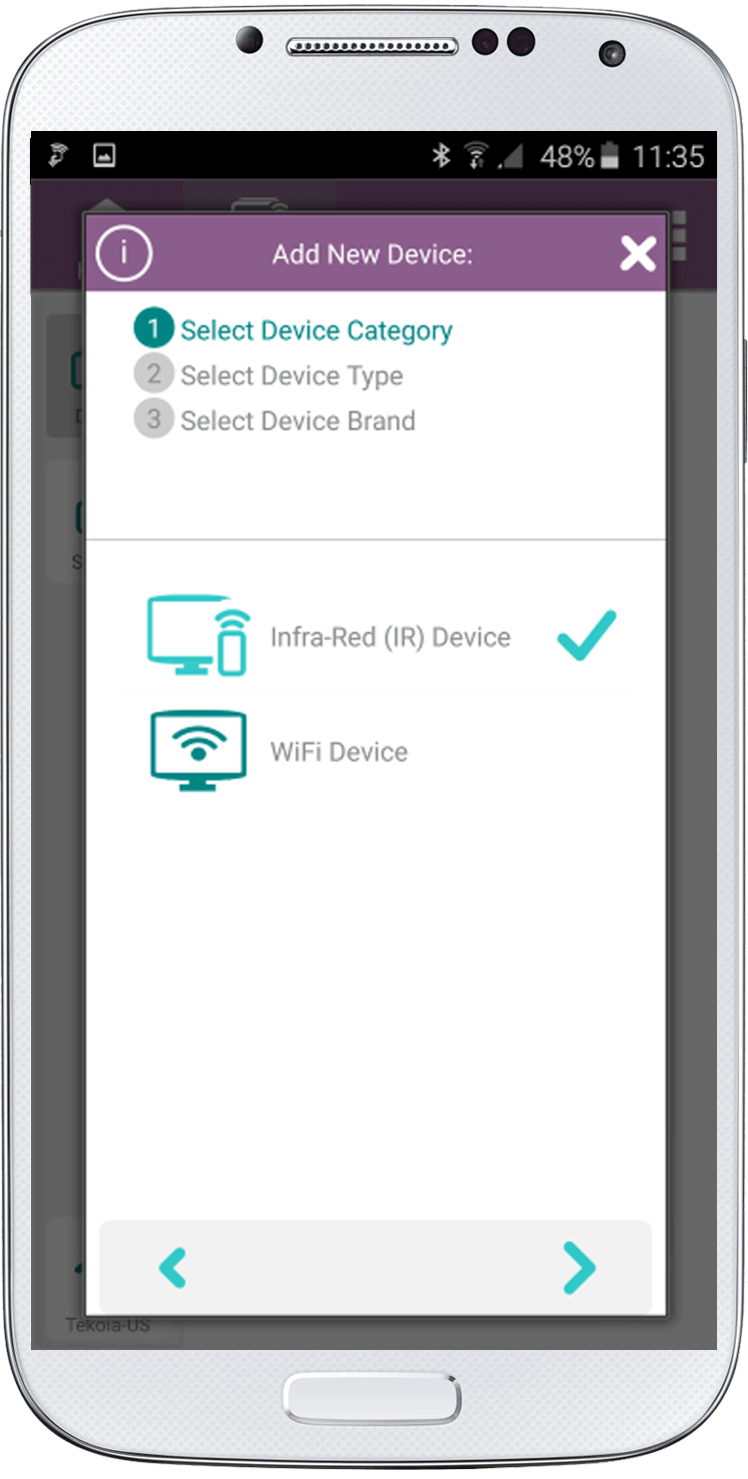
3. Check that Infra-Red (IR) Device is selected
Click the right arrow at the bottom of the screen
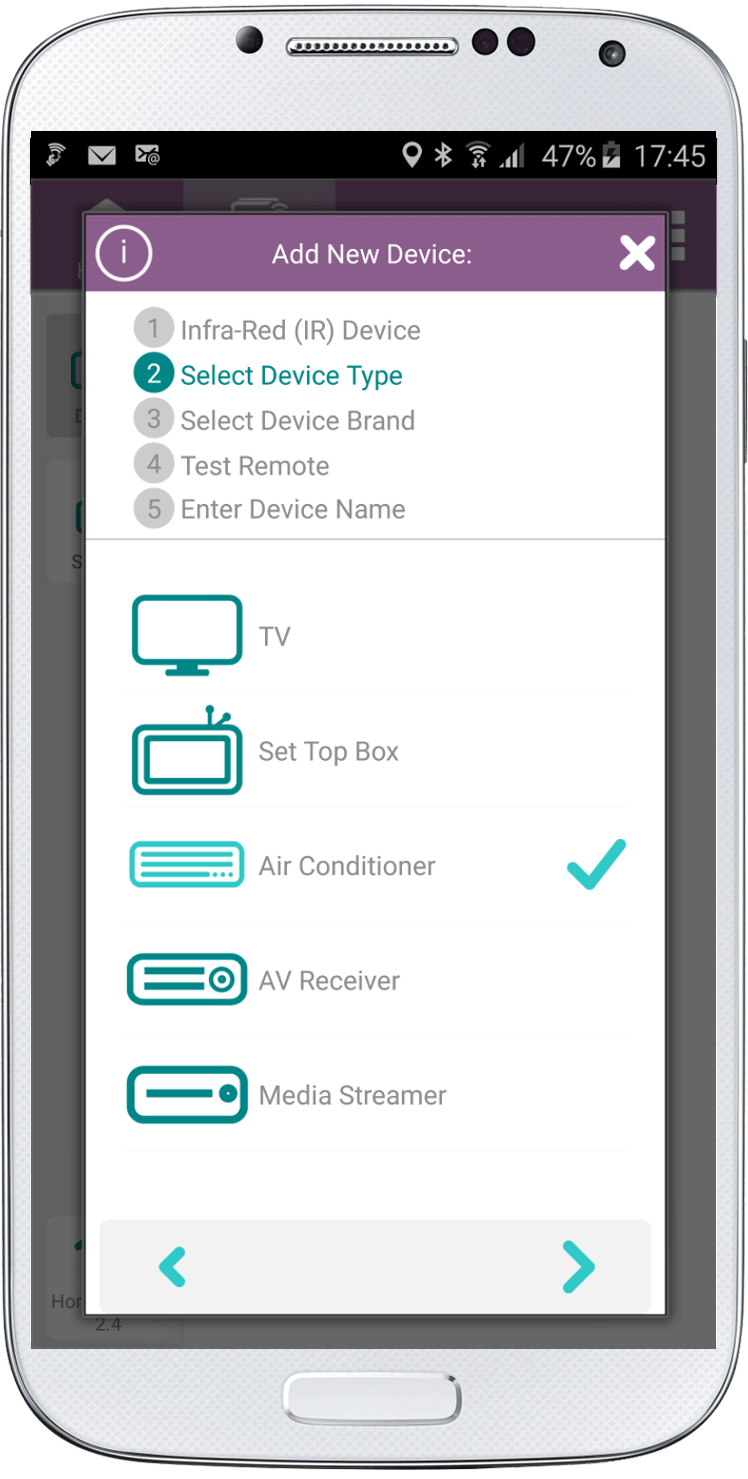
4. Select “Air Conditioner”
Then click the right arrow at the bottom of the screen
5. Select the Device Brand. (If your brand is missing please run a full AC Remote scan of all our air conditioner remotes as one could work for your air conditioner)
Click the right arrow at the bottom of the screen

6. Note above the text buttons how many remotes exist for this brand of air conditioner.
Test all the buttons. If one doesn’t work click “Next Remote” and try the next one.
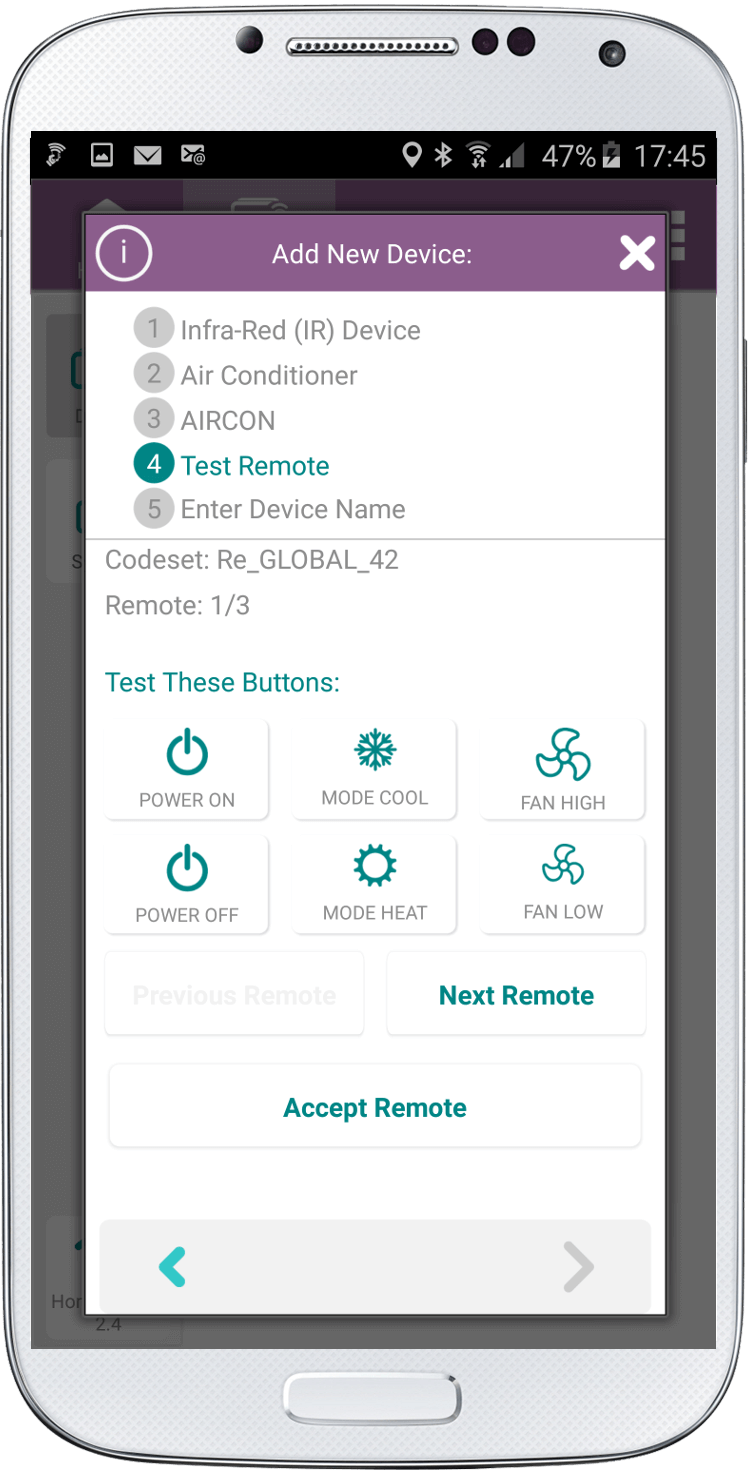
7. Once the buttons respond click “Accept Remote” and either leave the default name or edit.
IMPORTANT NOTE:
If you have tried all the remotes available the “Next Remote” button will say “Try Complete Scan”. Click this button and follow the instructions.
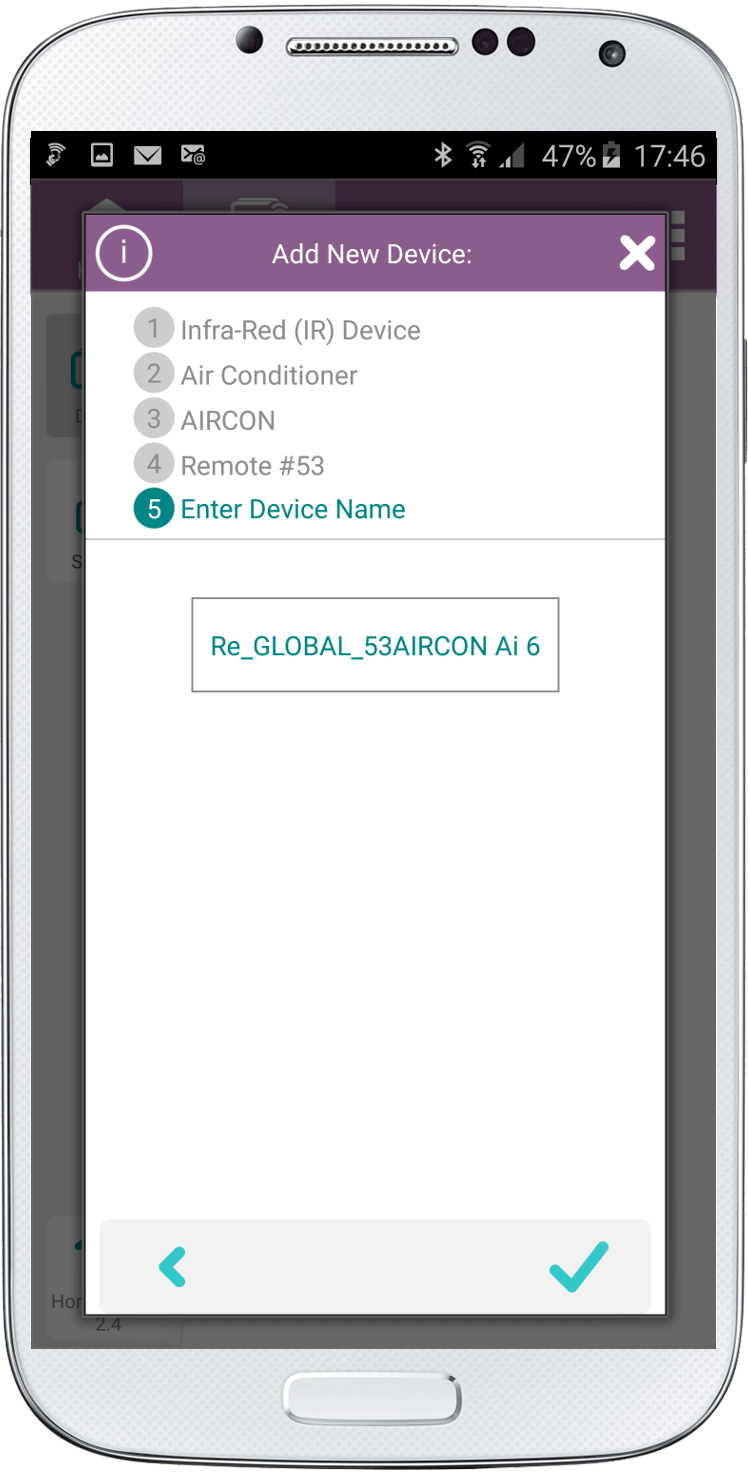
8. Click the Check at the bottom right of the screen.
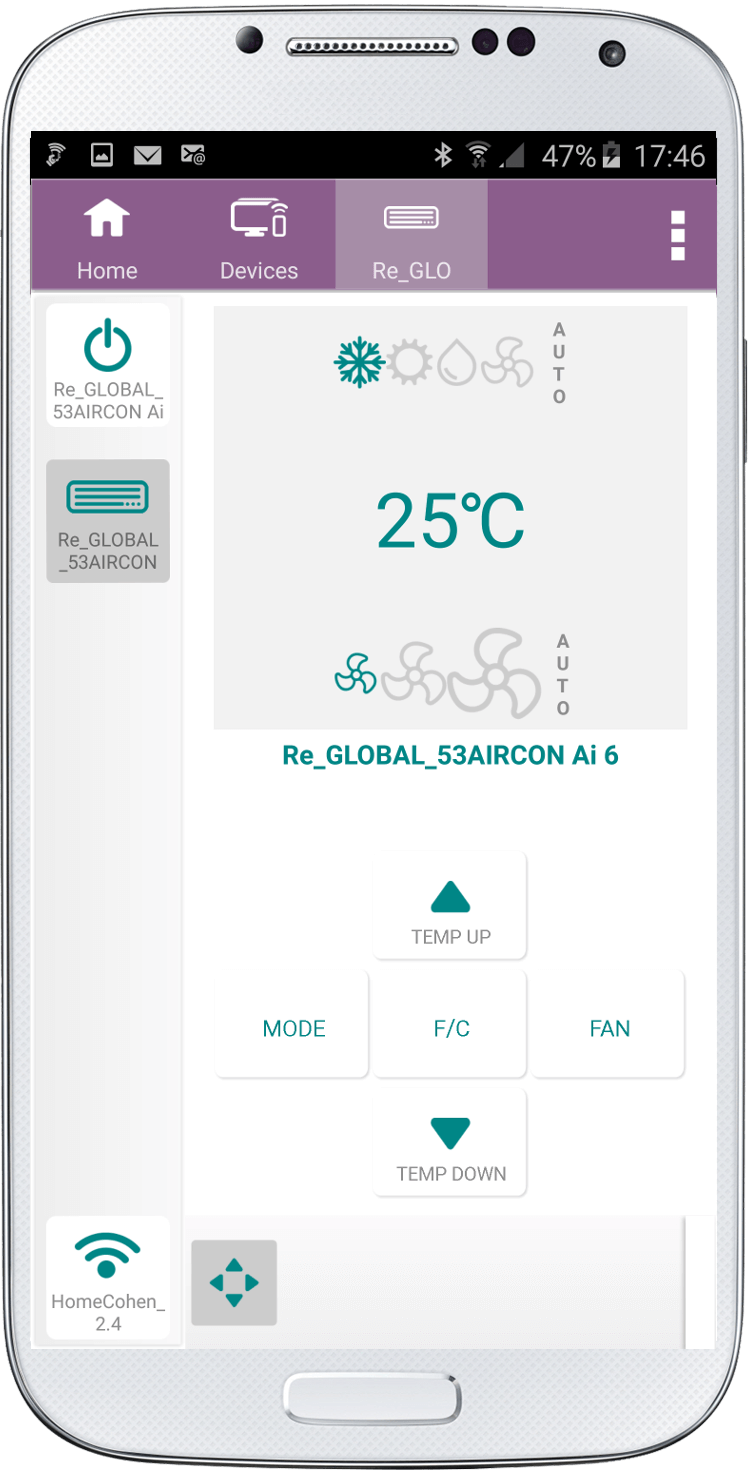
Your air conditioner remote has now been added to the SURE Universal Remote app.
Social
关注我们